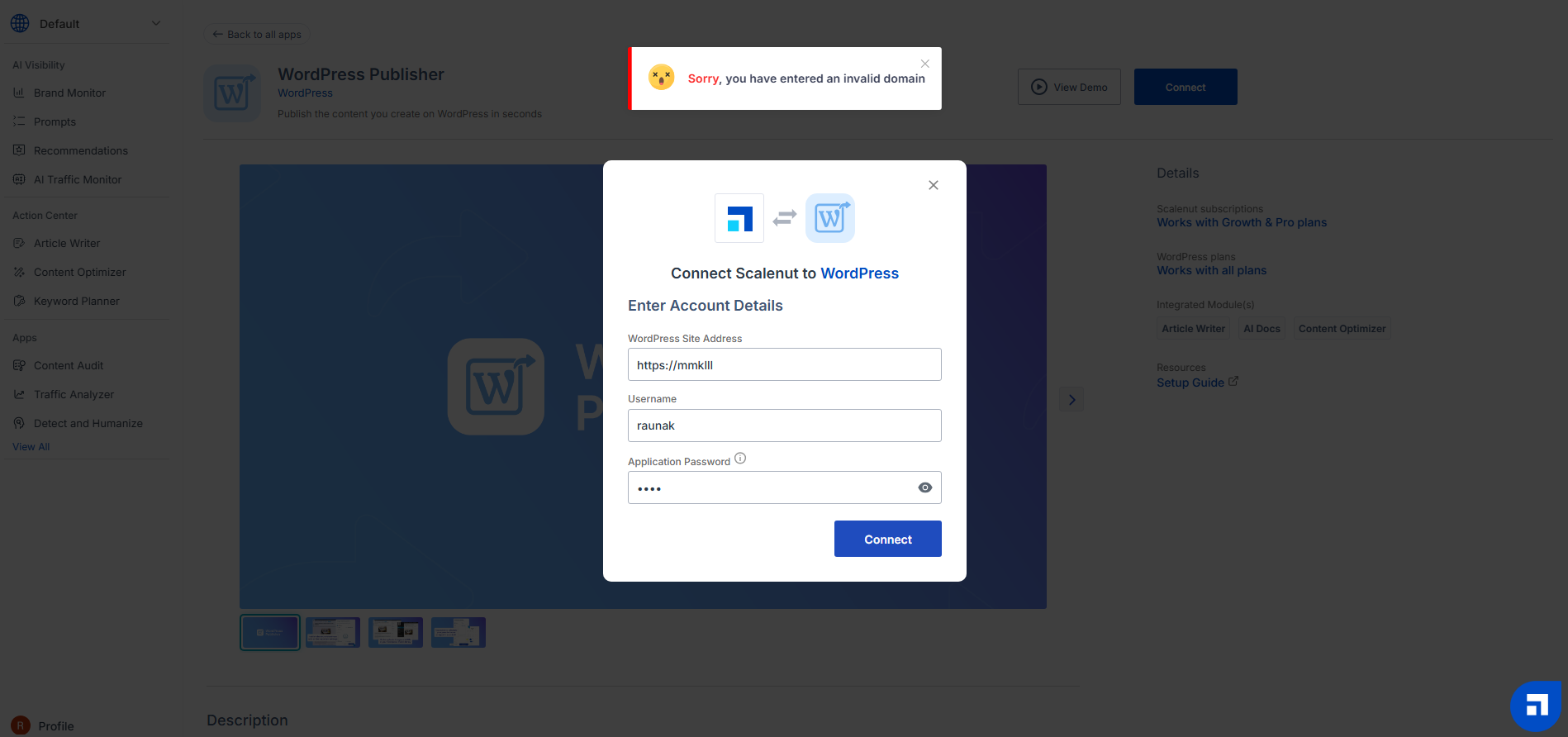
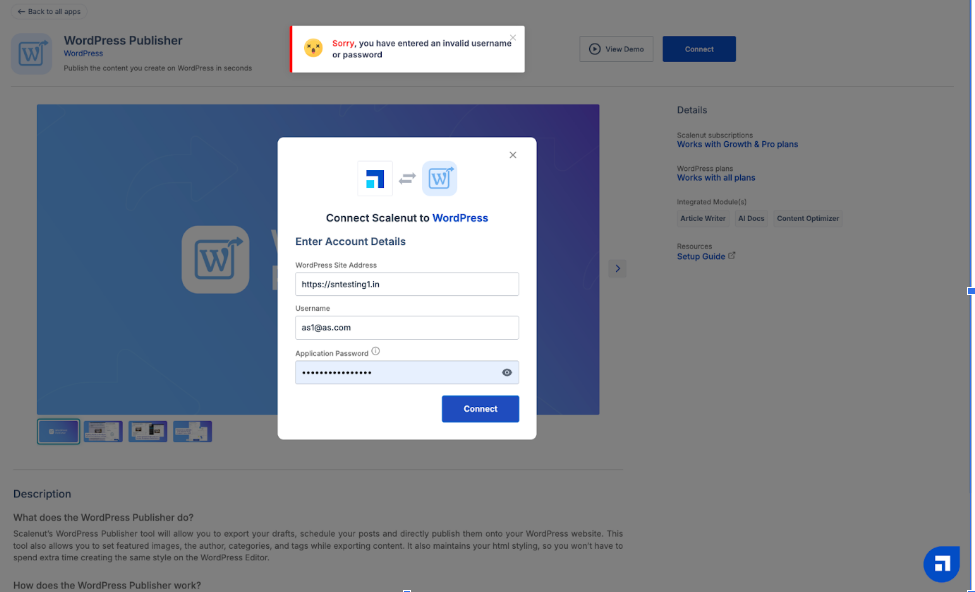
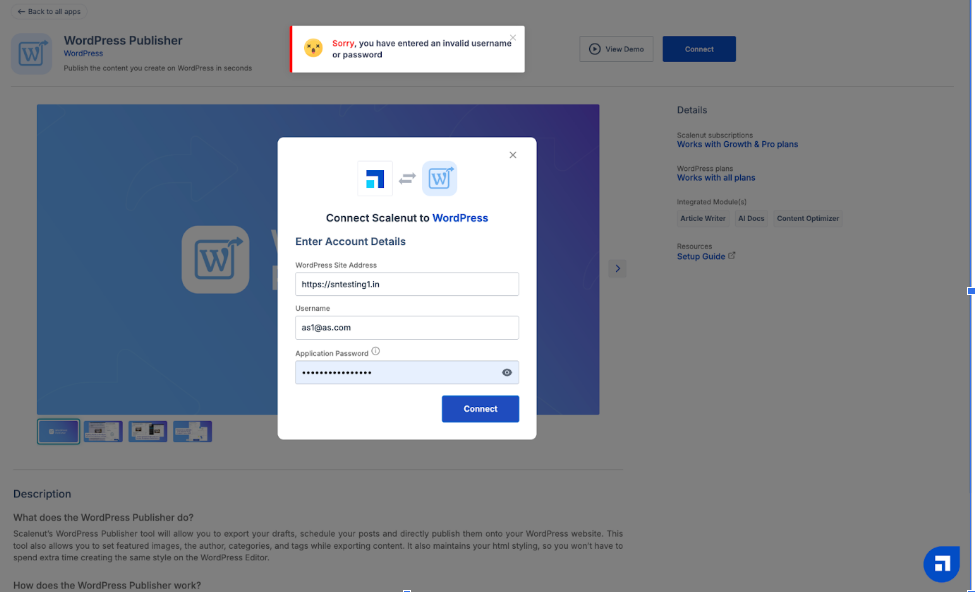
If you are still getting the same error after following the above step, please check and disable any authentication plugins (REST API Authentication, Application Passwords) you have installed and try to connect again with the same process.
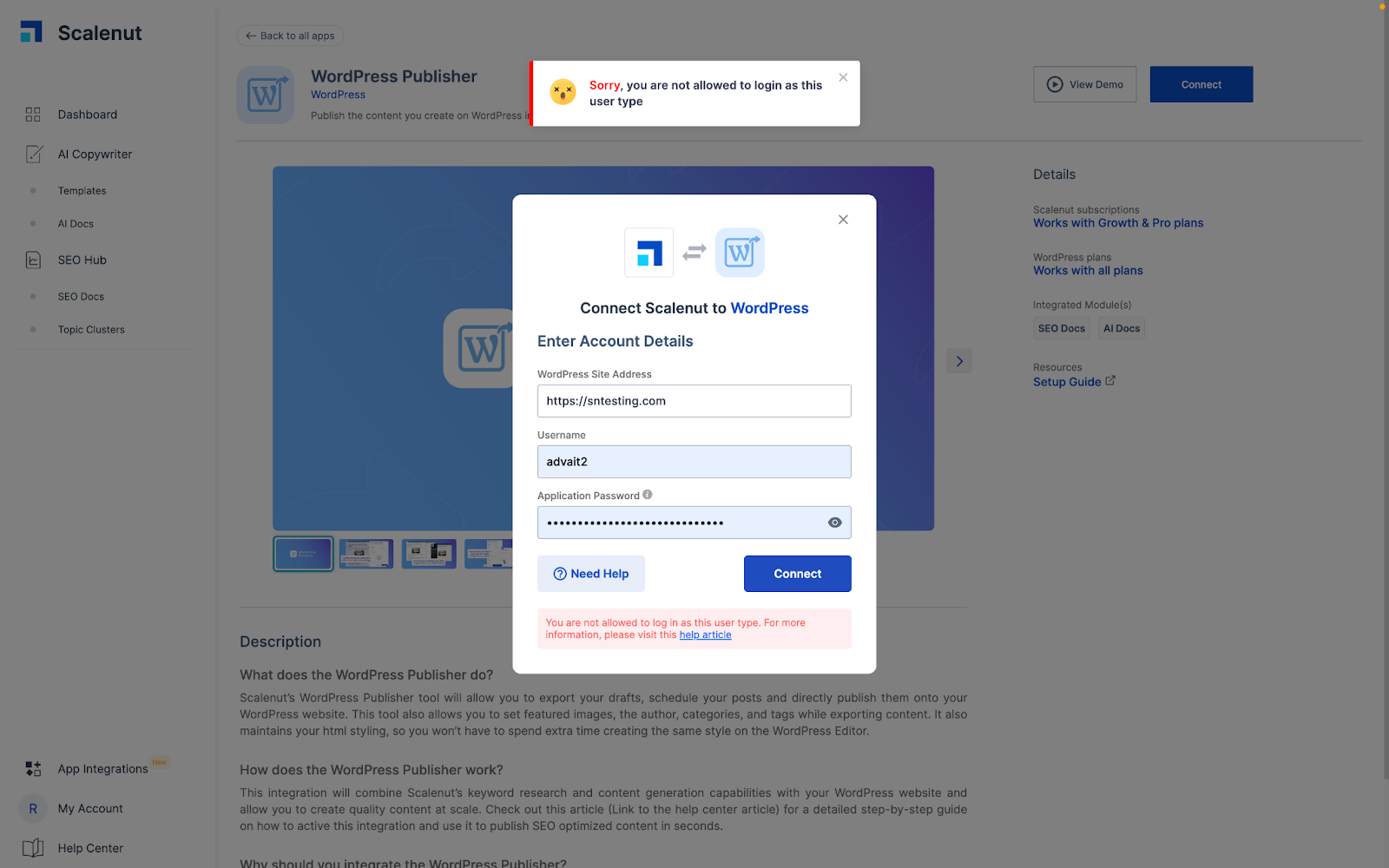
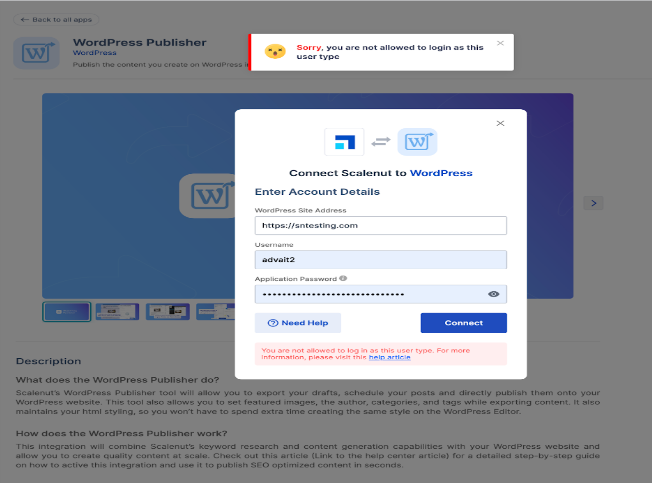
Error 4 - Sorry, you are not allowed to login as this user type. Please visit this link for more details :
Reason for facing this issue:
Subscriber user type of WordPress cannot connect to the app and export the article. (Contributor user type can connect to the app but only export the article as a draft but not publish or schedule).
Solution:
Please check your user type first on WordPress. User-type should not be a Subscriber if you want to connect to the app.
Error 5 - Sorry, we are unable to connect with your WordPress domain. Please visit this link for more details:
Reason for facing this issue:
WordPress Publisher app is unable to establish a connection with your WordPress domain. This generally happens when the REST APIs are disabled on the website.
Solution:
Please check if you have any security or authentication plugin installed in your admin panel that is disabling the REST APIs.
Disable any authentication plugins (for example - REST API Authentication) you have installed and try to connect again with the same process.
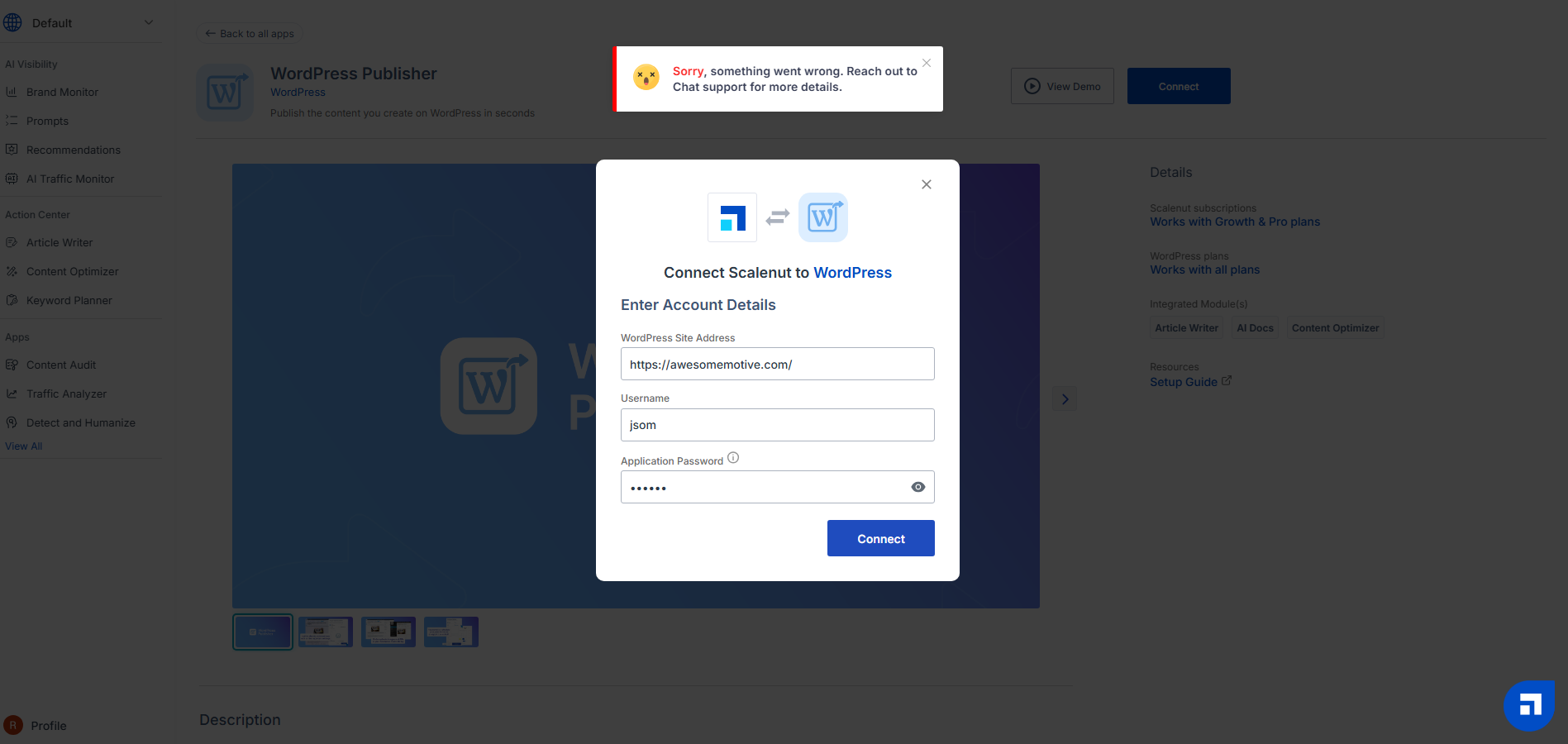
Error 6 - Sorry, something went wrong: Reach out to Chat support for more details.
Reason for facing this issue:
This can happen if you have a Web Application Firewall (WAF) like Cloudflare, Sucuri etc installed on your website
Solution:
If you have a Web Application Firewall (WAF) installed, please whitelist Scalenut’s public IP address. This will enable our systems to send a connection request to your WordPress site. Our public IP address is 34.193.120.94
Please connect with Scalenut chat support if this error is not resolved or write to us at wecare@scalenut.com.