Tags are an innovative Scalenut addition to help you find your documents and better manage users who can access them.
How to Add Tags and Manage GEO Docs with Ease
Tags are a powerful addition to Scalenut, designed to help you efficiently organize and manage your documents while supporting your Generative Engine Optimization (GEO) strategy.
Whether you're working on keyword clusters, AI Prompts, or citation-rich content, tags help you quickly access your reports, assign ownership, and streamline collaboration across your content team.
Let’s explore how to make the most of this feature.
Step-by-Step: Adding Tags to Your GEO Documents
STEP 1
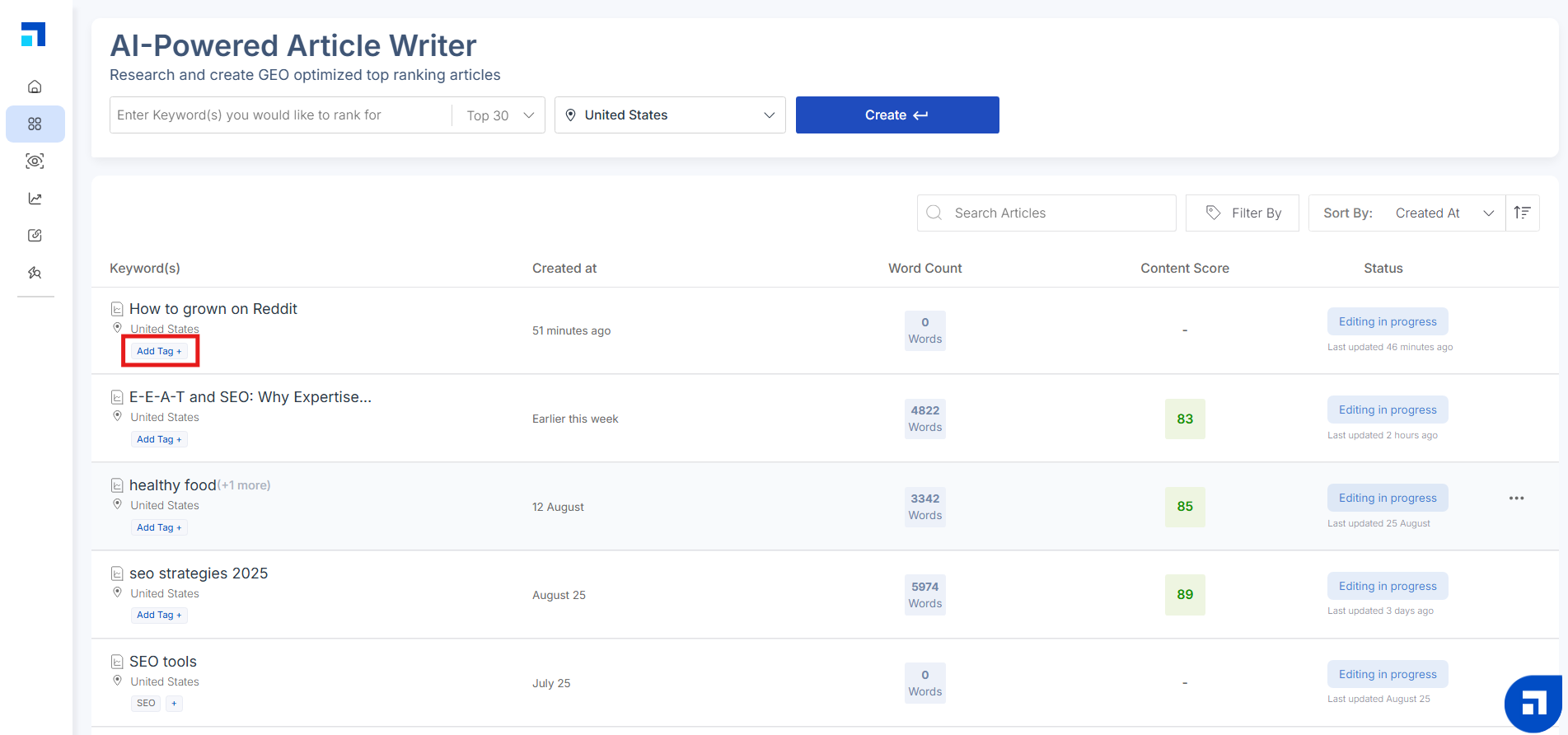
Under any GEO Article, click on the 'Add Tag' button.
STEP 2
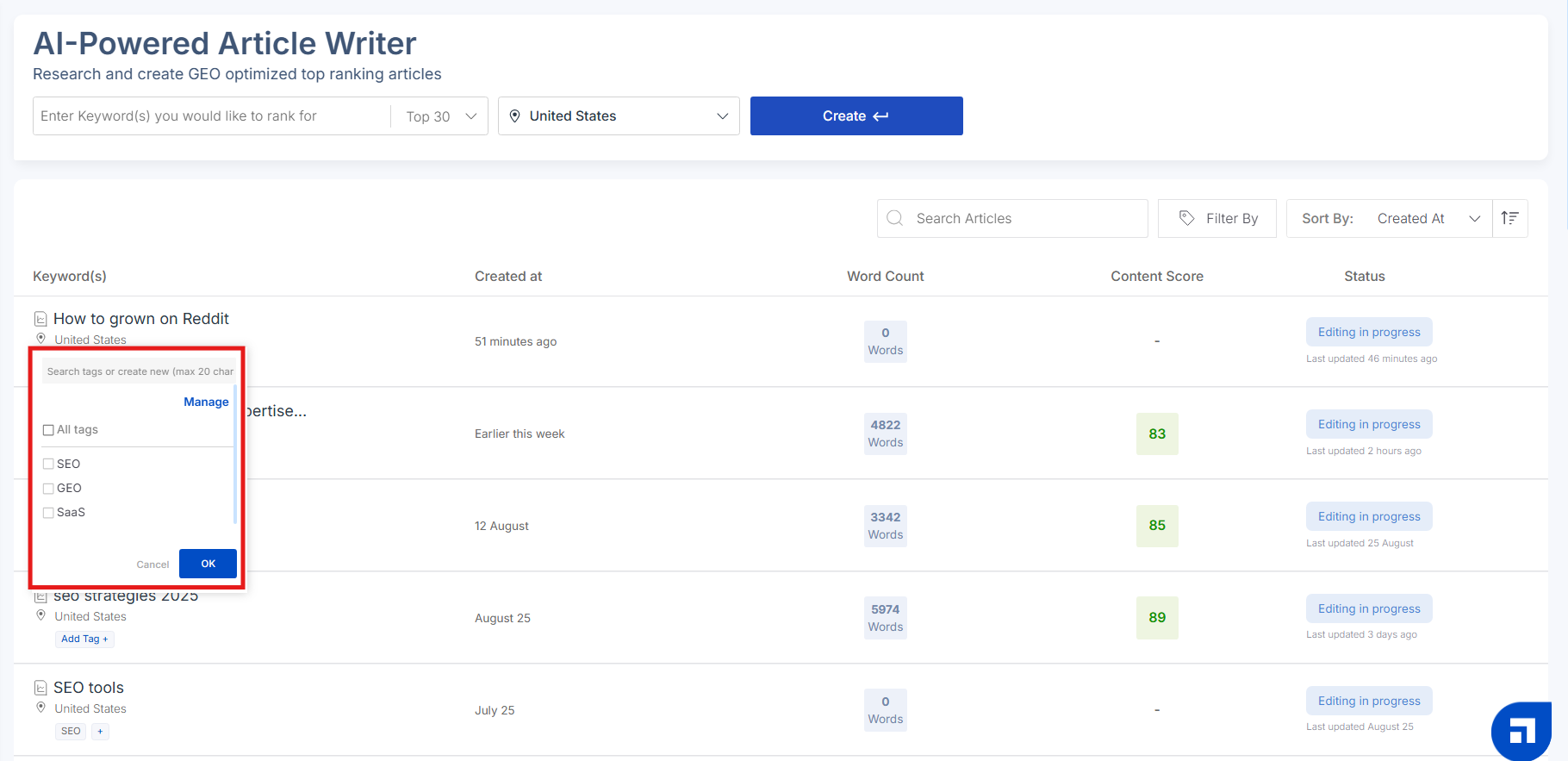
A dropdown menu will appear showing all previously created tags.
STEP 3
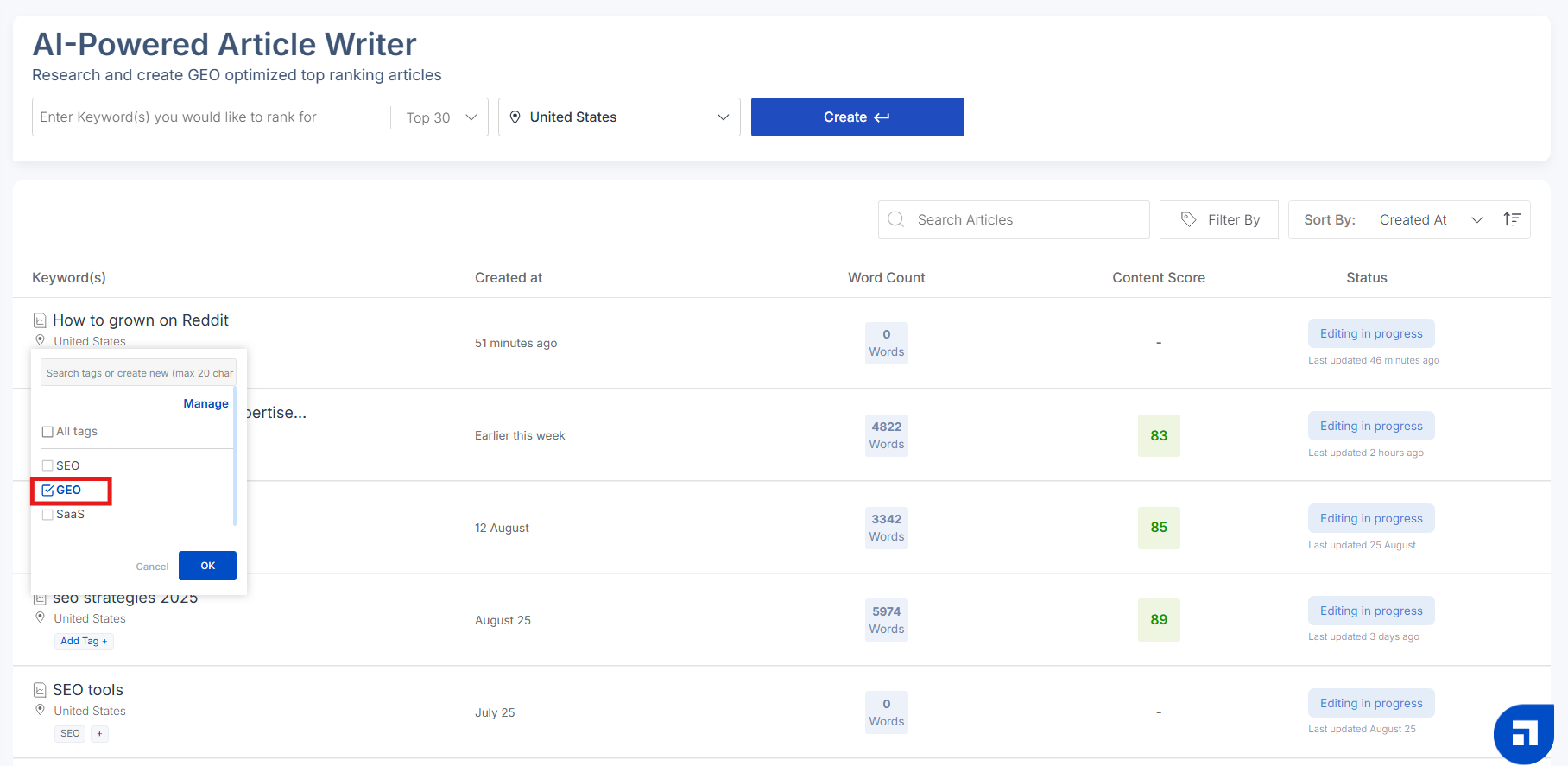
Select a tag that aligns with the content’s focus, purpose, or ownership.
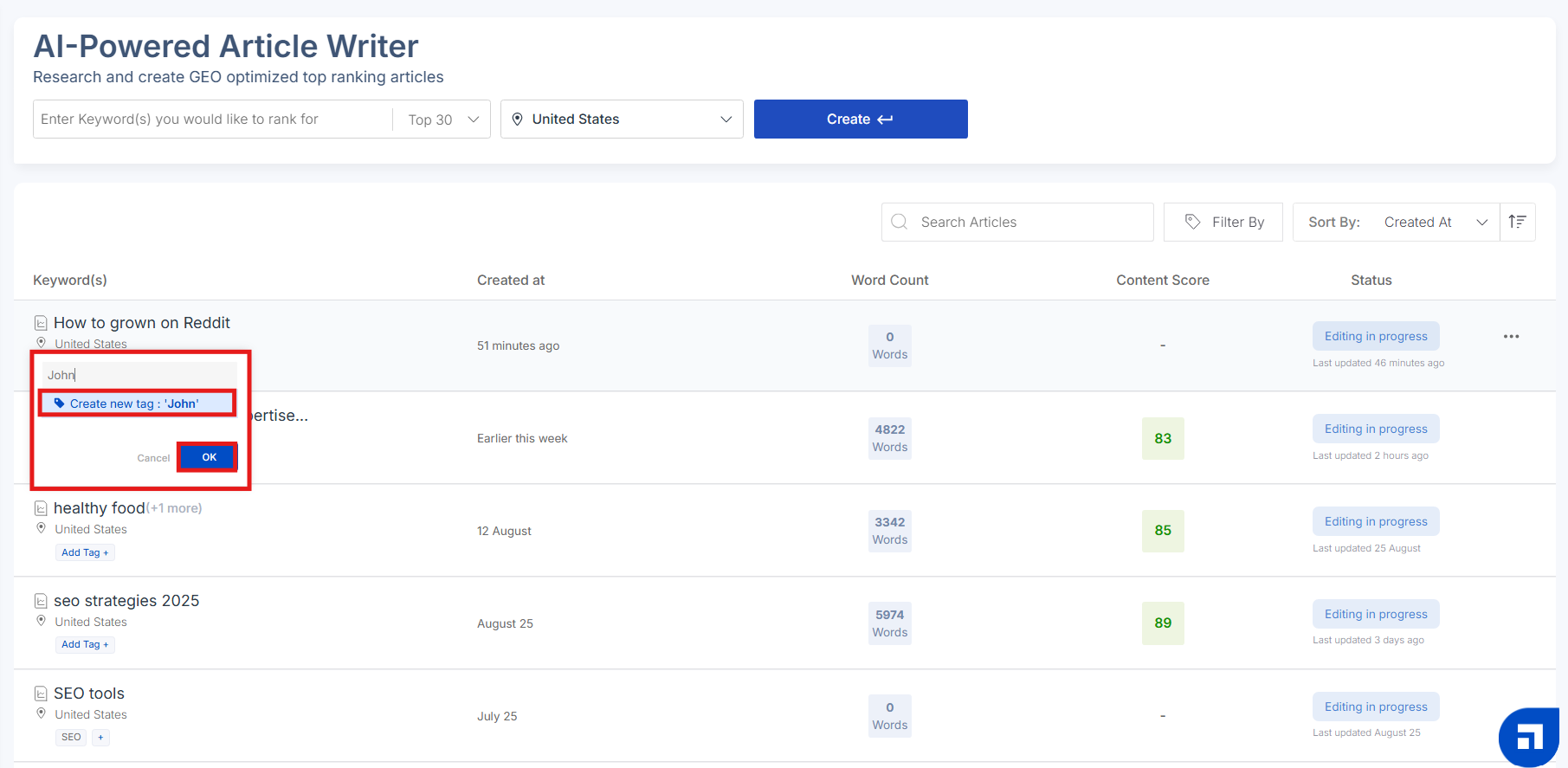
If you don’t see the desired tag, you can create a new one by typing directly into the search bar (up to 20 characters) and clicking "Ok."
Pro Tip: Use tags like topic category, funnel stage, or even team members’ names (e.g., "Product", "Awareness", "John") to help assign and organize GEO content efficiently.
This makes it easier to manage documents, streamline workflows, and ensure that everyone knows which content they're responsible for.
How to Use Tags to Manage GEO Reports
Tags aren’t just organizational tools—they’re essential for managing a scalable GEO strategy across multiple topics, AI Prompts, and research clusters.
Here's how to use them effectively:
1. Filter Reports by Tag
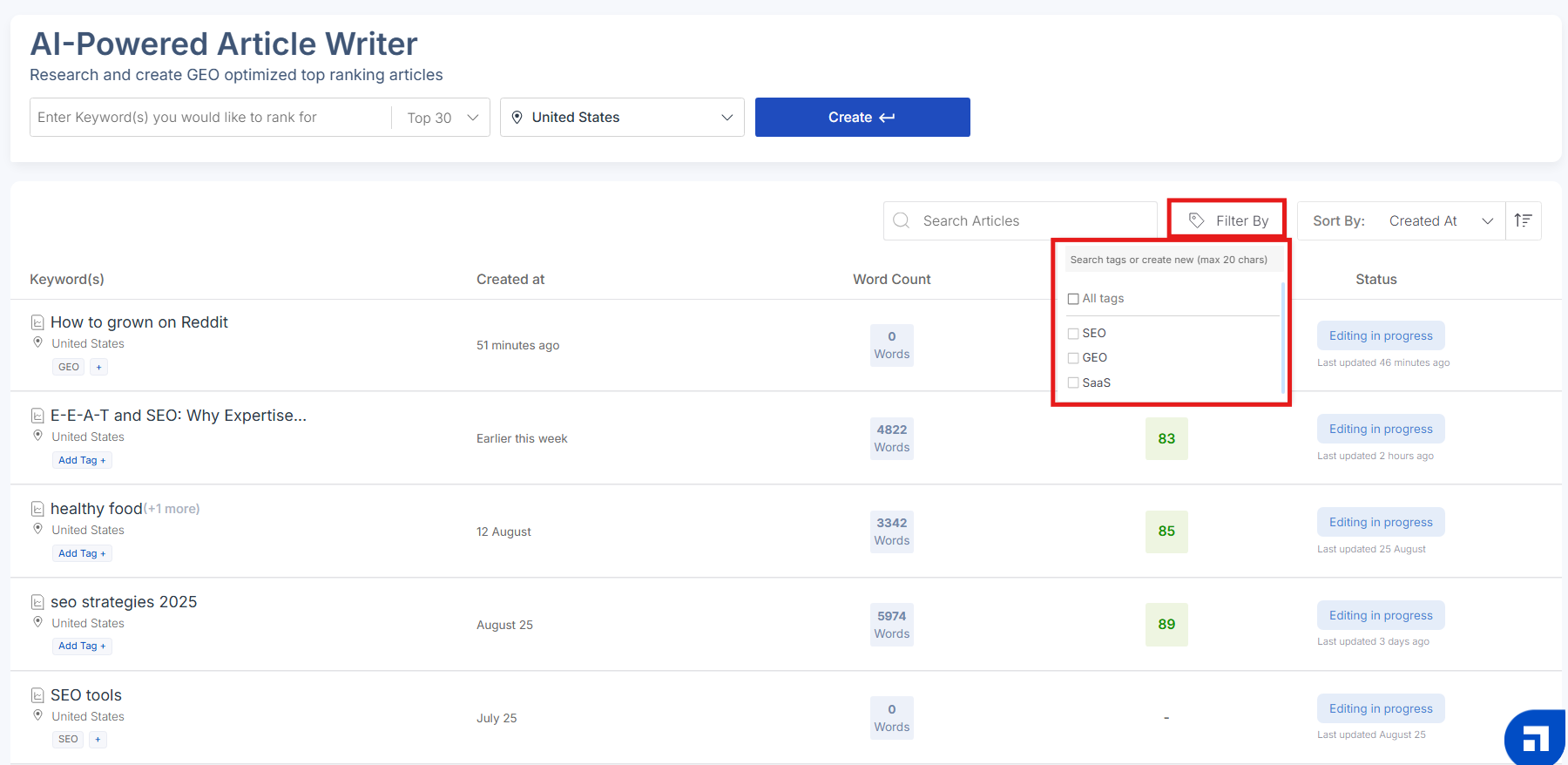
Click on the “Filter Tags” option to the right of the search bar.
2. Search by Document Name
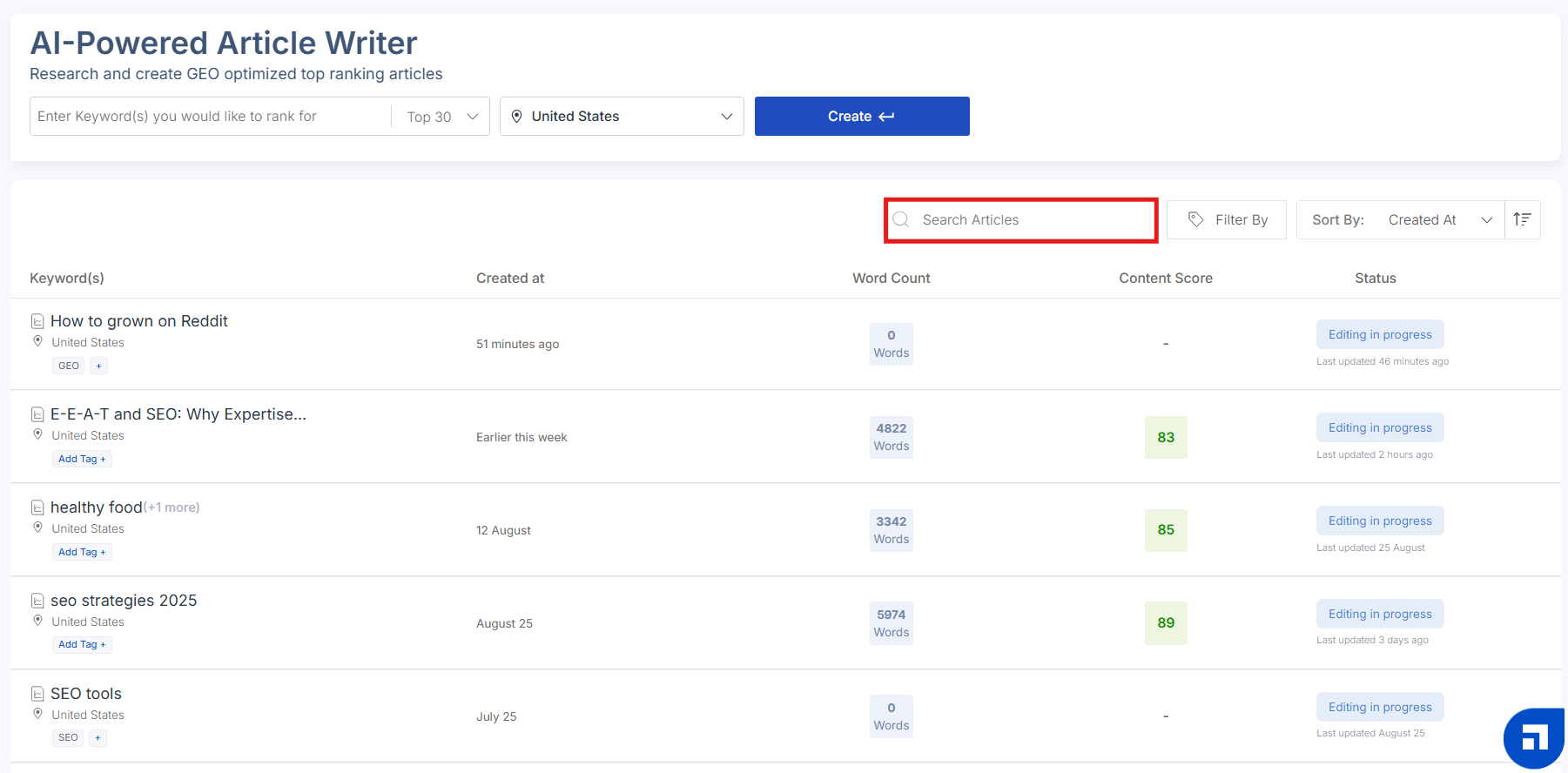
Use the search bar to find a specific GEO report by name.
Scalenut will instantly display matching documents—saving you time and ensuring you don’t lose track of valuable research or generated content.
3. Sort Reports for Better GEO Workflow
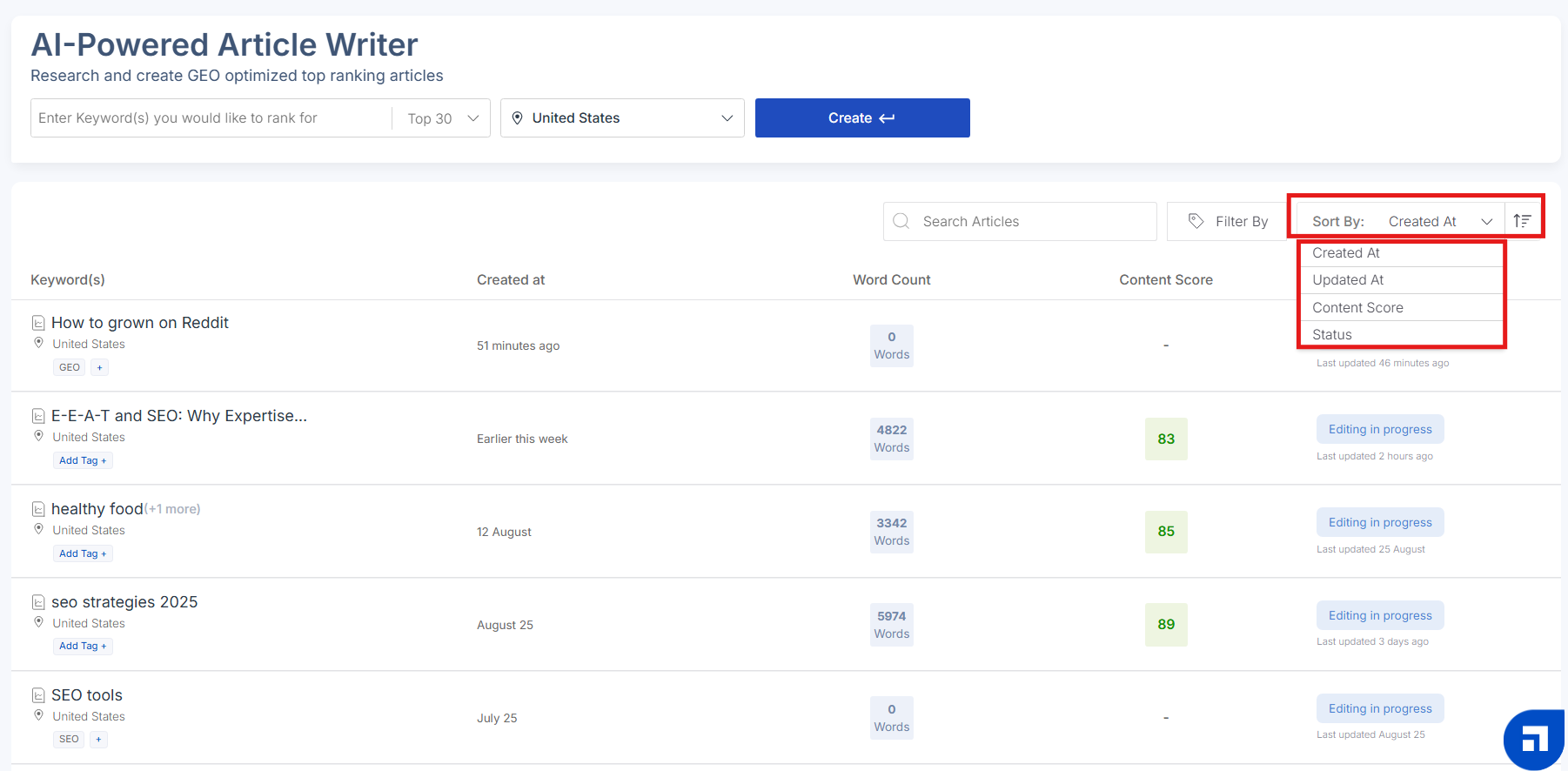
Use the “Sort By” dropdown to organize your reports based on:
Creation date
Last updated
Content Score
Status
This helps you prioritize reports that need review or final edits before publishing.
Why Tags Matter in GEO Workflows
As content creation becomes more generative-engine-focused, managing documents by relevance, stage, and ownership becomes crucial.
Tags help you:
Stay organized across GEO clusters, AI Prompts, and citation-led research
Track content progress from ideation to publishing
Improve team accountability and content visibility
Whether you’re creating content to appear in AI-generated summaries or optimizing for topical authority across a knowledge domain, Tags make GEO content management easier and faster.