.jpg)
How Many Internal Links is Too Many for SEO Success?

Key Highlights
- The ideal number of internal links depends on factors like content length and page type, not a single magic number.
- A strong internal linking structure is crucial for guiding search engines and improving user experience.
- Excessive internal links can dilute your page authority and negatively impact your SEO performance.
- The goal of internal linking is to add value and relevance, not just to hit a specific count.
- Focus on creating a balanced and strategic internal linking approach for optimal search engine results.
- Regularly auditing your links helps identify and fix issues like overlinking or broken links.
Are you wondering how many internal links are too many for SEO success? Getting your internal linking structure right is a critical balancing act. Too few links can leave your pages isolated, while too many can overwhelm users and confuse search engines. This guide will help you understand the perfect balance, showing you how to build an effective internal linking strategy. We will explore how to maximize SEO value without sacrificing user experience, ensuring your website is structured for both readers and crawlers.
What Are Internal Links?
Internal links are hyperlinks that connect one page on your website to another page on the same domain. Think of them as the hallways and doors of your website, guiding visitors and search engines from one room (or page) to another. This linking structure helps users navigate your content and allows search engine crawlers to understand your site structure, discover new internal pages, and see how your content is related.
The effectiveness of these links often depends on using descriptive anchor text, which is the clickable text in a hyperlink. Instead of generic phrases, using specific text gives both users and search engines context about the destination page. For optimal SEO, there isn't a single answer for how many internal links to include. A good starting point is about 2 to 5 links per 1,000 words, but the key is placing relevant links that enhance the user’s journey through your relevant content.
How Internal Links Influence SEO Performance
Internal links are a powerhouse for your SEO performance. They act as a distribution network for what's known as "link equity" or "link juice." When a high-authority page links to another page on your site, it passes some of its ranking power, helping to boost the visibility of the linked page in search results.
This strategic linking helps search engines understand your site's hierarchy. By linking to your most important and relevant pages more frequently, you signal their importance. This process guides crawlers, helping them use their crawl budget more efficiently by focusing on your most valuable content.
Ultimately, a strong internal linking strategy leads to better SEO performance by:
- Distributing link equity across your site.
- Helping search engines discover and index your content faster and leverage the seo benefits.
- Establishing a clear site hierarchy.
- Guiding users to relevant pages, increasing engagement.
Why Does Internal Linking Volume Matter?
The number of internal links on a page is a critical component of your digital marketing and SEO strategy. While links are essential, an excessive amount can indeed hurt your SEO rankings. When a page has too many links, the authority it passes gets divided among them, diluting the value each individual link provides.
This means your most important pages might not receive the authority they need to rank well. It's not just about quantity; the quality and relevance of your internal links matter far more. A strategic approach focuses on creating relevant internal links that add value for the user and clarify your site’s structure for search engines.
How Does Search Engines Evaluate Pages With Excessive Internal Links?
Search engines like Google aim to understand the structure and importance of your pages. When search engine crawlers encounter a page with an excessive number of internal links, it can create confusion. Instead of seeing a clear hierarchy, they see a cluttered web of links, making it difficult to determine which pages are most important, ultimately affecting your organic traffic. This can dilute the SEO value passed through each link.
Google does not issue a direct penalty for too many links, but it can indirectly harm your performance. An overlinked page can waste your site's crawl budget, as crawlers spend time following numerous low-value links instead of focusing on your key content. This can also lead to a poor user experience, increasing your bounce rate as visitors become overwhelmed.
Google views pages with excessive links as potentially less valuable because:
- It confuses crawlers about page hierarchy and relevance.
- It dilutes the authority (PageRank) passed by each link.
How Many Internal Links Is Too Many On A Page?
There is no official maximum number of internal links per page that Google enforces. Years ago, a guideline of 100 links was suggested, but modern web practices have made that figure outdated. The focus now is on relevance and user experience rather than a strict count. The right number of links depends entirely on your page's purpose and your site's structure. A practical rule of thumb is to aim for relevance and purpose with every link you add.
Instead of a rigid limit, think in terms of a reasonable range based on the page type. Long-form content can naturally support more relevant links than a concise landing page. The key is to ensure each link serves a purpose and contributes to a positive user journey. You can monitor your internal link distribution using tools like Google Search Console to ensure your linking strategy aligns with your SEO goals.
Recommended Internal Link Ranges by Page Type:
- Blog Post
- Focus: Topic clusters and content hierarchy
- Typical Range: 3–8 internal links
- E-commerce Page
- Focus: Product relationships and conversions
- Typical Range: 10–20 internal links
- Service Page
- Focus: Service details and supporting proof
- Typical Range: 5–10 internal links
What Happens If You Add Too Many Internal Links?
Adding too many internal links to a page can negatively affect both your SEO performance and user experience. From a user's perspective, a page cluttered with links is overwhelming and difficult to read. This can lead to "link blindness," where users ignore links altogether, or decision fatigue, causing them to leave your site and increasing your bounce rate. A poor user experience sends negative signals to search engines.
From an SEO standpoint, an excessive number of links dilutes the authority, or PageRank, passed from that page. Each link on a page gets a smaller share of the page's value, which means your most important and relevant pages receive less of a boost. This can also waste your crawl budget, as search engine bots spend time crawling a multitude of links rather than prioritizing your key content. In short, having too many links can certainly hurt your SEO rankings by spreading your authority too thin and creating a poor user journey.
What Factors Determine The Right Number Of Internal Links?

There’s no magic number for internal links per page. Instead, use a strategic SEO approach based on content depth, user intent, and site structure, especially linking to deeper pages. The goal is to offer helpful links without overwhelming users, creating logical navigation and signaling site hierarchy to search engines. Consider these key factors when planning your internal linking.
1. Page Length And Content Depth
The length and depth of your content are primary factors in deciding how many internal links are appropriate. A longer, more comprehensive article naturally provides more opportunities to include relevant links without appearing cluttered.
For example, a 3,000-word in-depth guide can comfortably accommodate a higher number of internal links than a short, 500-word blog post. The greater content depth allows you to connect readers to related sub-topics, definitions, or supporting resources, enhancing their understanding and user engagement.
Adding links within longer content helps break up the text and guide readers to other valuable pages, keeping them on your site longer. The key is to ensure each link adds value and context. Don't force links just to increase the count; use the page length as an opportunity to build a rich, interconnected web of helpful information that boosts SEO value.
2. Search Intent And Topic Complexity
Understanding the search intent behind a page is crucial for building an effective linking structure. What is the user trying to accomplish? Are they looking for a quick answer, a detailed explanation, or a product to buy? Your internal links should align with this intent.
For complex topics, users often need more context. Here, internal links to definitions, background information, or related sub-topics are incredibly helpful. This is where topic clusters come into play. A central pillar page on a broad topic can link out to more specific "cluster" pages, creating a network of relevant content that satisfies deep informational needs.
In contrast, a page with a simple, transactional intent, like a product checkout page, should have very few internal links to avoid distracting the user from completing their action. By matching your linking strategy to search intent and topic complexity, you create a more intuitive and valuable user experience.
3. Site Structure And Content Hub Strategy
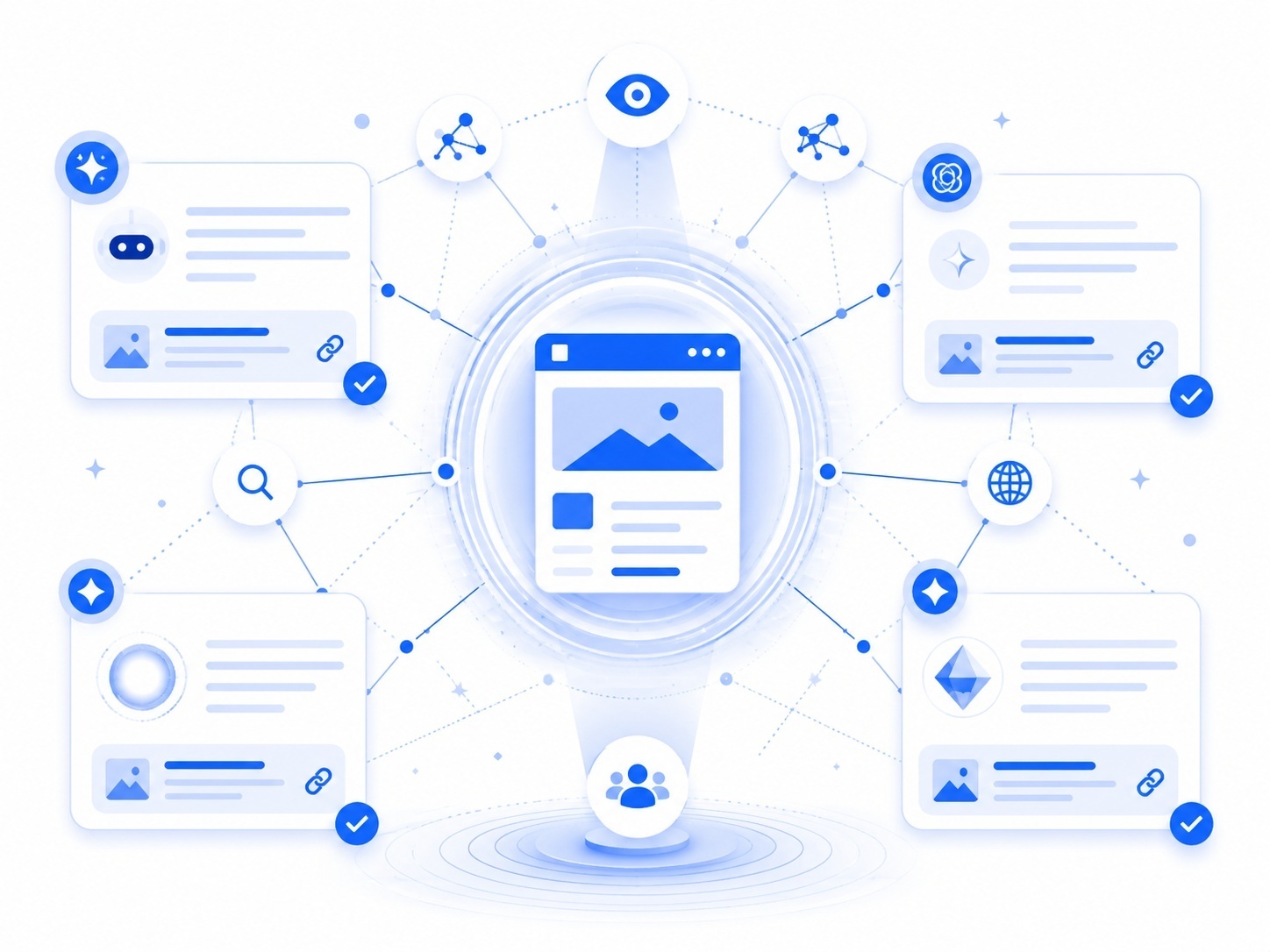
Your website's overall site structure heavily influences your internal linking strategy. A well-organized site, often built around a content hub or "hub and spoke" model, relies on strategic internal linking to function effectively. This model involves a central "hub" page for a broad topic that links out to more specific "spoke" pages.
In this structure, the hub page acts as an authority on the topic, and the relevant internal links distribute that authority to the supporting spoke pages. In turn, each spoke page should link back to the hub page, reinforcing its importance. This method creates a clean, logical hierarchy that is easy for both users and search engines to navigate.
By using this approach, you can strategically guide link equity to your most important pages. The number of links on any given page will depend on its role within the content hub. Hub pages will naturally have more links pointing outward, while spoke pages will have links pointing back to the hub and to other related spokes.
4. Type Of Page Such As Blog, Product, Or Category Page
The type of page you are working on is a major determinant of how many internal links you should include. Different pages have different goals, and your linking structure should reflect that. A one-size-fits-all approach to your site's structure simply won't work.
For instance, category pages on an e-commerce site are designed to be navigational hubs, so they will naturally have many links pointing to various product pages. Conversely, a focused landing page should have minimal links to keep the user focused on a single call-to-action.
Consider the primary purpose of each page type:
- Blog Post: A blog post aims to inform and engage. It can include several contextual links to related articles, pillar pages, and resource guides.
- Product Pages: These pages are for conversion. Links should point to related products, categories, or buying guides that help the user make a decision.
- Category Pages: As navigational hubs, these pages connect users to a wide range of sub-categories and products, requiring a higher link count.
How Many Internal Links Should Different Pages Have?
The ideal number of internal links varies significantly across different pages of your website. There is no universal rule of thumb that applies to every page type. Instead, your focus should be on providing relevant information and creating a logical path for users and search engines. For example, a homepage or a category page will naturally have more links than a single blog post because its purpose is to direct users to various sections of the site.
When it comes to a blog post, a good guideline is to include 2-5 internal links per 1,000 words. This allows you to add valuable context and connect to related articles or new content without overwhelming the reader. Always use descriptive anchor text to clarify where the link leads. The ultimate goal is not to hit a specific number but to ensure every link serves a purpose, enhances the reader's experience, and strengthens your site's structure.
How Can You Tell If A Page Has Too Many Internal Links?
Identifying a page with too many internal links requires a combination of analytics and common sense. One of the clearest signs is poor user engagement metrics. If you check Google Analytics and see a high bounce rate or low time-on-page for a specific URL, it could mean that users are overwhelmed by a cluttered layout, which can be caused by excessive links. As we've covered, this can hurt your SEO rankings over time.
You can also perform a site audit using SEO tools like Ahrefs or Screaming Frog. These tools can crawl your website and provide a detailed report on the number of internal links on each page. Look for pages with an unusually high link count compared to others of a similar type. Also, check for link-dense paragraphs, repetitive anchor text, or links that seem forced and irrelevant. Fixing these issues, along with any broken links, is key to achieving effective internal linking.
How Can Scalenut Help You Simplify Your Internal Linking Strategy?
Getting internal linking right is not about stuffing more links into every page. It is about finding the most relevant connections across your site and adding them where they genuinely improve context, navigation, and authority. Scalenut’s Link Manager is built for exactly that.
It helps you identify internal linking opportunities across your domain, review suggested anchor text and placement context, and deploy approved changes faster. With Google Search Console integration, inbound and outbound link suggestions, and the ability to push updates live, it turns internal linking from a manual guessing game into a more structured workflow.
Instead of asking, “How many internal links should this page have?”, teams can focus on a better question: “Which links will make this page stronger for users, search engines, and AI discovery?” That is the real value Link Manager brings.
Conclusion
Internal linking is a powerful tool for enhancing your SEO strategy, but moderation is key. Striking the right balance ensures that your pages remain user-friendly while effectively guiding search engines to relevant content. As discussed, factors like page length, content depth, and site structure play crucial roles in determining the optimal number of internal links. By carefully analyzing these elements, you can bolster your site’s authority and improve its visibility in search results. Remember, quality over quantity is the mantra to follow. If you’re looking for tailored strategies to optimize your internal linking, don’t hesitate to reach out for a free consultation with our experts.
Frequently Asked Questions
Can too many internal links hurt SEO rankings?
Yes, an excessive number of internal links can hurt your SEO performance. It dilutes the SEO value passed through each link, confuses search engines about page importance, and can create a poor user experience, leading to a higher bounce rate. This indirectly signals to search engines that the page is not valuable.
Is there an optimal number of internal links per page?
How many internal links should a page have depends on your SEO strategy, page length, content type, and site structure. Instead of a strict rule of thumb, focus on adding relevant links that improve user navigation and clarify your site's hierarchy for search engines.
How many internal links per page in an SEO blog post?
How many internal links in a blog post usually depends on the length of the blog post. It's generally recommended to include 2-5 internal links per 1,000 words. However, quality matters more than quantity. Focus on relevance and providing value to readers without overwhelming them with excessive links, which can lead to a poor user experience.
Are there SEO penalties for using too many internal links?
Google doesn't issue a direct penalty for too many internal links. However, internal linking mistakes can indirectly harm your SEO performance by diluting page authority, wasting your crawl budget, and creating a poor user experience. This can lead to lower rankings rather than a formal penalty you’d see in Google Search Console.
How does Google view pages with excessive internal links?
Google's search engine crawlers may view pages with excessive internal links as confusing and poorly structured. It makes it harder for them to determine which links are important, diluting the authority passed through the linking structure. This can signal that the page is of lower quality or even spammy.
How to link to an internal WordPress page?
To link to an internal WordPress page, highlight the text, click the link icon in the editor, and search for the page or paste its URL. Use descriptive anchor text so the link feels natural and helps both users and search engines.
How do internal linking strategy and pillar pages work together for SEO?
An internal linking strategy and pillar pages work together by connecting a main hub page to related cluster content. This structure improves crawlability, distributes authority, strengthens topical relevance, and helps search engines understand the relationship between your core topic and supporting pages.


.svg)


.webp)