
Which Best Tools For Monitoring AI Overviews Win In 2026?

Key Highlights
- AI Overviews can cite competitors even when your page ranks organically, so tracking mentions, citations, and source URLs is now essential.
- Scalenut is the best overall pick for teams that want AI Overview monitoring plus GEO, SEO, and content execution in one workflow.
- Semrush, Ahrefs Brand Radar, and SE Ranking are strong options for teams that want AI visibility tracking inside broader SEO and reporting workflows.
- Profound is best suited for enterprise teams that need multi-platform AI visibility, competitor benchmarking, and executive-level reporting.
- Otterly.AI and Keyword.com work well for teams that want lighter prompt tracking, citation monitoring, and AI visibility reports.
- The best AI Overview tools should track Google AI Overviews, citations, competitors, prompts, trends, and US search visibility.
- Google Search Console alone is not enough because it does not provide a clean workflow for isolating AI Overview mentions, citations, and competitor presence.
- To improve visibility, track high-intent prompts weekly, find citation gaps, refresh weak pages, and strengthen topical authority.
You might still rank on page one and miss the answer box that buyers actually see first. With Google AI Overviews summarizing information directly on the SERP and linking to supporting sources, traditional rank tracking alone no longer shows whether your brand is visible, cited, or trusted in AI-led search.
That gap gets even trickier when competitors appear inside AI Overviews for queries where you already rank organically. Your page may get impressions, but if another brand is cited in the AI-generated answer, they may win the click, the recall, and the credibility before users scroll further.
Let’s break down the best tools for monitoring AI overviews, including platforms that track AI Overview presence, brand mentions, cited URLs, competitor visibility, and more in this blog. We’ll also look at which tool fits which use case, so you can choose the right one for your GEO content workflow.
What Are AI Overviews And Why Should You Monitor Them?
Google AI Overviews are short AI-generated summaries that appear directly on the search results page. They pull together key information for a query and may include source links for users who want to explore the topic further. For SEO teams, the takeaway is clear: helpful, reliable content still matters, but visibility now also depends on whether your pages are being included in AI-led search experiences.
That is why monitoring them is important. A page can rank well in organic results and still be absent from the AI Overviews, while a competitor may get cited before users even scroll. Tracking mentions, citations, source URLs, and competitor presence helps you understand where your brand is being surfaced, where it is being skipped, and what content gaps need attention.
AI Overview Monitoring Vs AI Visibility Tracking: What Is The Difference?
AI Overview monitoring is narrower. It tracks whether your brand, URL, or competitors appear inside Google’s AI-generated results for specific search queries. AI visibility tracking is broader. It measures how your brand shows up across multiple AI answer platforms, including ChatGPT, Perplexity, Gemini, Claude, Copilot, and Grok.
So, AI Overview monitoring tells you how visible you are in Google Search, while AI visibility tracking shows how discoverable your brand is across the wider AI search ecosystem.
What Are The Best Tools For Monitoring AI Overviews In 2026?
The best AI Overview monitoring tools help you see where your brand appears, which sources get cited, how competitors are gaining visibility, and whether your AI search presence is improving over time.
Below, we’ll compare the top tools by features, pricing, use case, pros, cons, and best-fit teams.
1. Scalenut
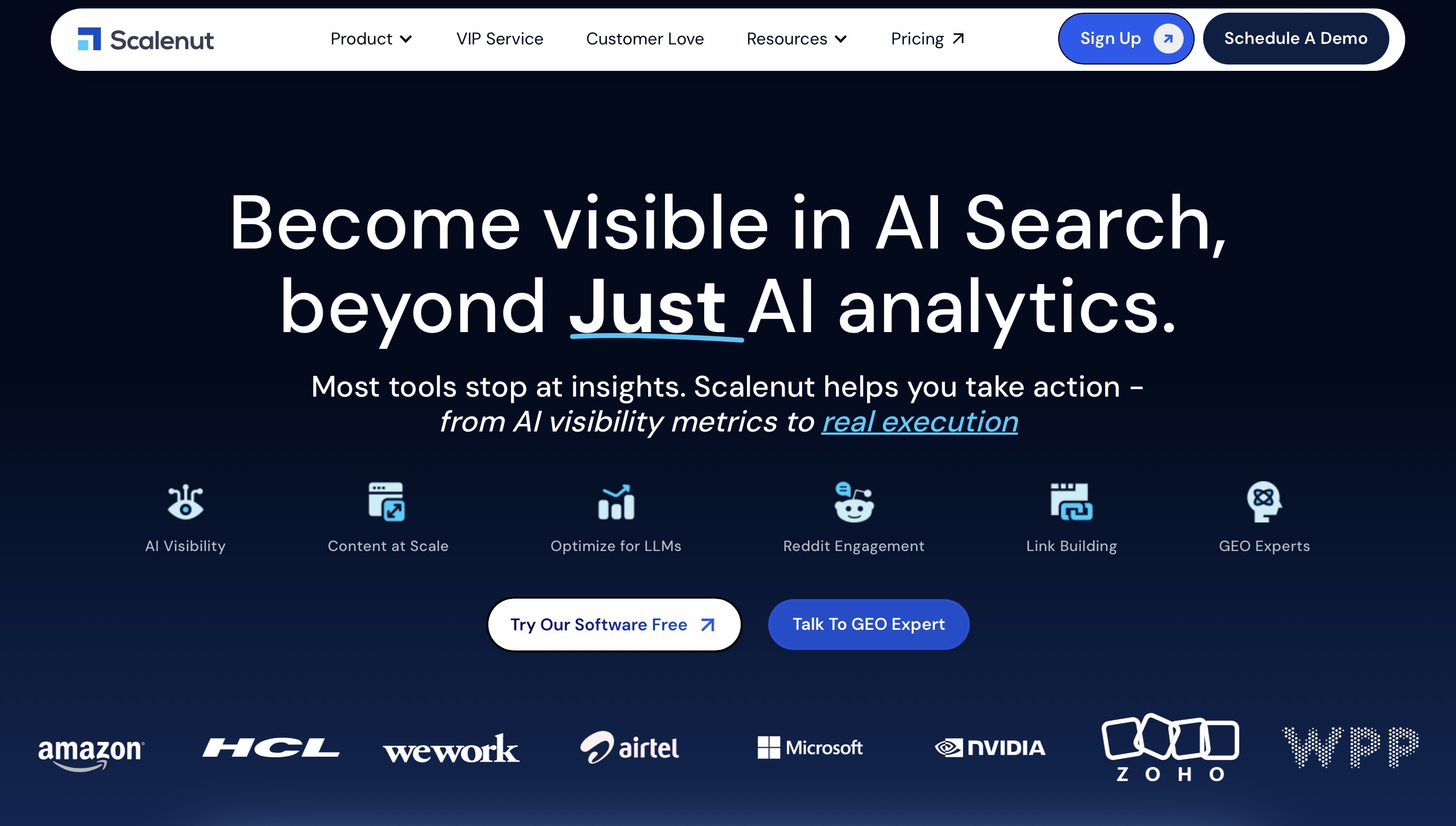
Scalenut is best suited for teams that want to monitor AI Overview visibility and turn those insights into SEO and GEO actions from the same platform.
Best For: SEO teams, content teams, and agencies that want to track AI visibility, benchmark competitors, identify prompt gaps, and improve content performance without switching between too many tools.
What Are The Key Features Of Scalenut?
- AI Visibility Tracking: Helps teams understand how often their brand appears in AI-generated responses and how that visibility changes over time.
- Brand Mention Monitoring: Tracks whether your brand is being mentioned across relevant AI search experiences and prompt sets.
- Prompt Coverage: Shows which prompts are triggering your brand, where your brand is missing, and which questions may need stronger content coverage.
- Competitor Visibility Benchmarking: Helps compare your brand’s AI visibility against competitors through signals like share of visibility, visibility score, and competitor mentions.
- Prompt And Topic Gap Discovery: Surfaces the topics, prompts, and content opportunities where competitors may be winning visibility and your brand is not.
- AI Bot Traffic Monitoring: Helps identify visits from AI assistants and AI search experiences, along with signals around top AI sources and referenced pages.
- GEO And Content Optimization Workflow: Supports the next step after monitoring by helping teams plan, create, optimize, and refresh content for better search and AI visibility.
- SEO Planning And Execution Support: Includes workflows for keyword planning, content optimization, competitor coverage analysis, content audits, internal linking, and on-page improvements.
What Are The Pros Of Scalenut?
- Monitoring Plus Execution: Strong fit if you want AI visibility tracking and content execution in one workflow.
- Useful For Competitive AI Search Insights: Helps identify where competitors are getting visibility and where your brand needs stronger coverage.
- Good For GEO And AEO Workflows: Supports teams that are optimizing for Google AI Overviews, AI answers, and broader AI-driven discovery.
- Action-Oriented Insights: Goes beyond reporting by helping teams move from visibility gaps to content and SEO actions.
- Helpful For Content Teams: Useful if your team regularly creates, updates, or optimizes content and wants AI visibility data to guide those decisions.
What Are The Cons Of Scalenut?
- Can Be More Than Some Teams Need: If you only want a simple AI Overview checker, Scalenut may offer more functionality than required.
What Does Scalenut’s Pricing Look Like?
- Starter: $24/month, billed annually.
- Plus: $36/month, billed annually.
- Professional: $80/month, billed annually.
- VIP Service: Custom pricing.
How Do Users Rate Scalenut?
- G2: 4.7/5
When Should You Choose Scalenut?
- Choose Scalenut if you want to monitor AI Overview visibility and quickly turn those insights into better content, stronger topic coverage, and improved AI search presence.
- It is best for teams that care about both tracking and execution. If your goal is to understand where your brand is missing from AI answers and what to do next, Scalenut deserves the first spot on your shortlist.
Book a free strategy call today!
2. Semrush
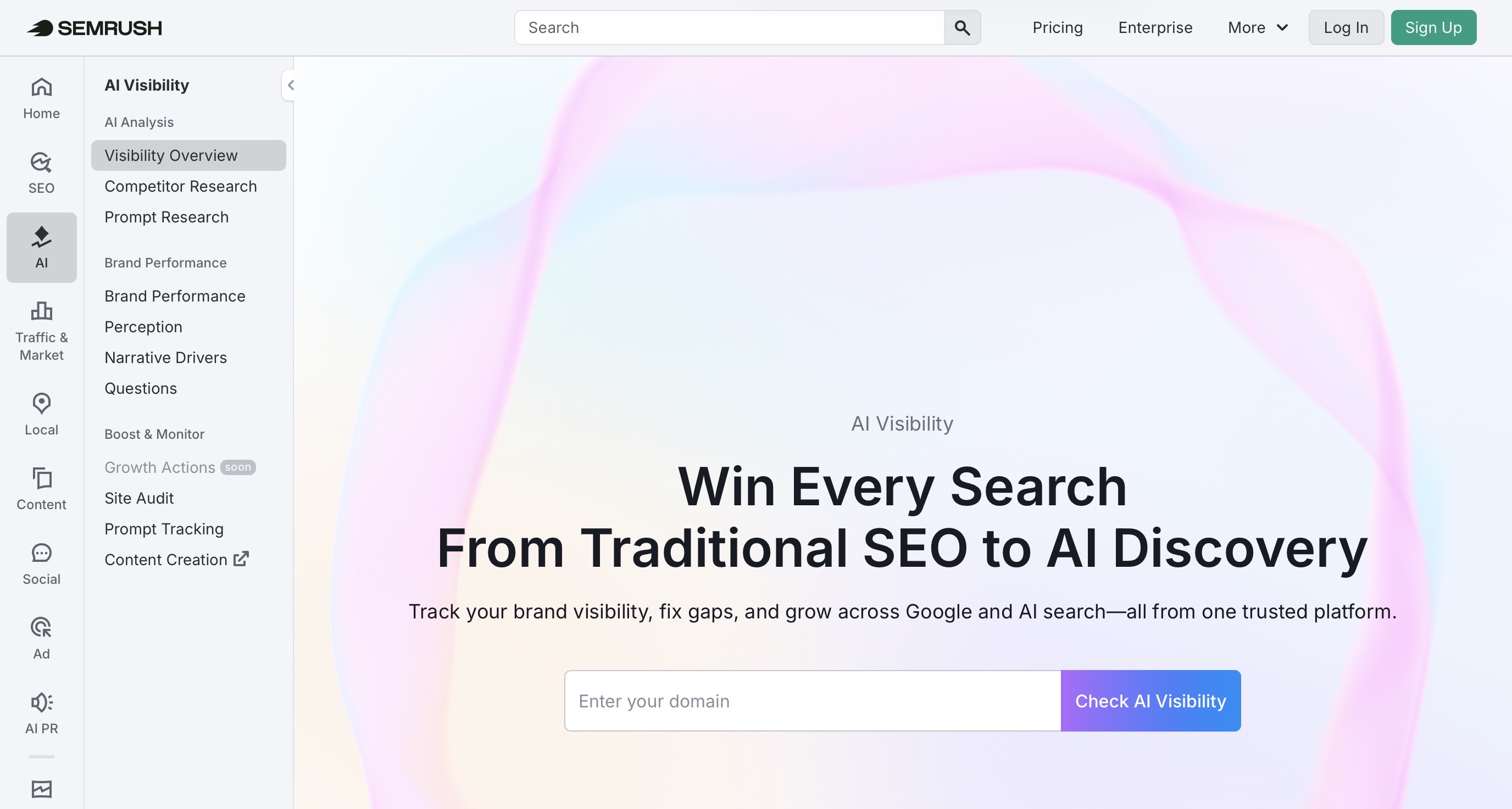
Semrush is best for teams already using a full SEO suite and looking to add AI Overview monitoring to their SEO workflow.
Best For: SEO teams and agencies that want AI visibility tracking along with keyword research, competitor analysis, site audits, and reporting.
What Are The Key Features Of Semrush?
- AI Overviews Visibility Checker: Shows whether your brand appears in Google AI Overviews and where competitors may be showing up instead.
- AI Visibility Toolkit: Tracks brand mentions, prompts, competitors, sentiment, and AI search opportunities.
- Keyword Tracking: Monitors keyword performance across traditional and AI-influenced search.
- SERP Feature Monitoring: Helps track AI Overviews and other SERP features that affect organic visibility.
- Competitor Research: Compares your visibility against competing brands and domains.
- AI-Ready Site Audit: Flags technical issues that may affect how AI systems access or understand your site.
- SEO Reporting: Combines AI visibility insights with broader SEO performance data.
What Are The Pros Of Semrush?
- Strong For Semrush Users: Easy fit if your team already uses Semrush for SEO.
- SEO Plus AI Visibility: Combines traditional SEO workflows with AI visibility tracking.
- Good Competitor Insights: Helps spot prompts and topics where competitors appear but your brand does not.
- Agency-Friendly Reporting: Useful for turning AI visibility data into client-ready reports.
What Are The Cons Of Semrush?
- Can Get Expensive: Pricing is domain-based, so costs can rise for multiple domains.
- Heavy For Basic Tracking: May be too much if you only need a simple AI Overview checker.
- Learning Curve: New users may need time to set up the right reports and tracking views.
What Does Semrush’s Pricing Look Like?
- AI Visibility Base: $99/month per domain, billed annually.
- Note: Costs may increase with more domains, users, prompts, or added Semrush SEO plans.
How Do Users Rate Semrush?
- G2: 4.5/5
When Should You Choose Semrush?
- Choose Semrush if your team already uses it for SEO and wants AI Overview monitoring inside the same workflow.
- It is a strong fit if you need AI visibility tracking, competitor research, keyword data, audits, and reporting in one platform.
3. Ahrefs Brand Radar
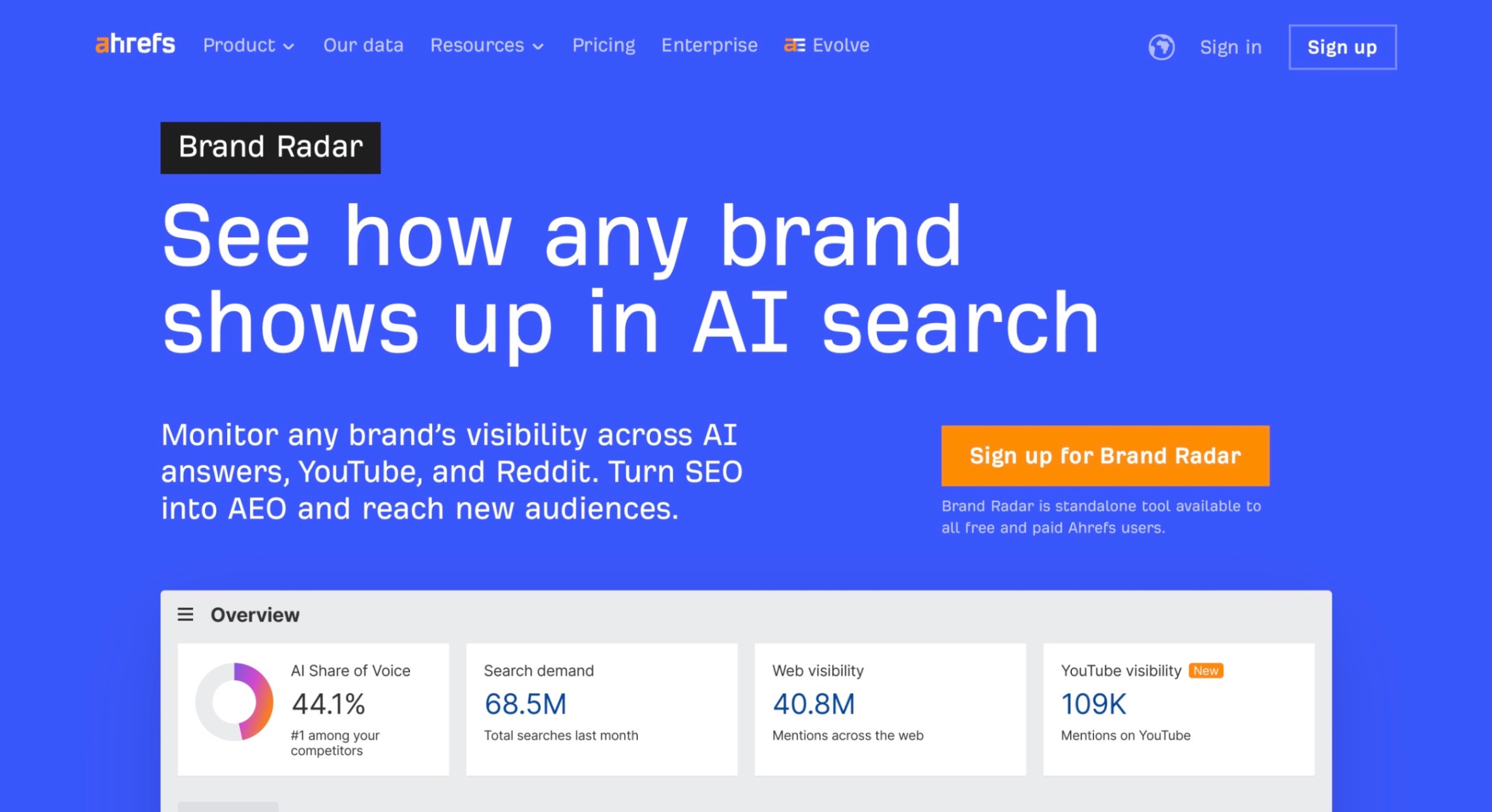
Ahrefs Brand Radar is best suited for teams that want to track brand visibility, citations, and competitor presence across AI search platforms while staying inside the Ahrefs SEO ecosystem.
Best For: SEO teams that want AI citation tracking, competitor research, and brand visibility insights backed by Ahrefs’ broader SEO data.
What Are The Key Features Of Ahrefs Brand Radar?
- AI Visibility Tracking: Tracks how brands appear across AI search experiences like Google AI Overviews, ChatGPT, Perplexity, Gemini, Copilot, and Grok.
- Search-Backed Prompt Database: Lets teams research brand visibility across a large database of organic prompts modeled from real search behavior.
- Custom Prompt Tracking: Helps track your own prompts across selected platforms, locations, and frequencies.
- Citation Tracking: Shows which pages and domains AI systems cite when answering prompts.
- Competitor Benchmarking: Helps compare your brand’s AI share of voice against competitors.
- Top Cited Pages And Domains: Identifies the sources AI systems rely on most often for your category.
- SEO Data Integration: Works well for teams already using Ahrefs for keywords, backlinks, competitor analysis, and content research.
What Are The Pros Of Ahrefs Brand Radar?
- Strong For Citation Research: Useful for finding which sources AI platforms cite in your market.
- Great For Competitor Analysis: Helps compare brand visibility, mentions, and share of voice against competitors.
- Backed By Ahrefs Data: Strong fit for teams already using Ahrefs for SEO research.
- Multi-Platform Coverage: Covers major AI search platforms, not just Google AI Overviews.
- Good For Strategic SEO Teams: Useful when you want AI visibility insights tied to broader search and competitor research.
What Are The Cons Of Ahrefs Brand Radar?
- Can Be Expensive: Brand Radar AI starts at $199/month, and custom prompt packages add to the cost.
- More Monitoring Than Execution: It is strong for research and visibility tracking, but teams may need separate workflows for content creation and optimization.
- May Be Too Advanced For Small Teams: The data depth can feel heavy if you only need basic AI Overview monitoring.
What Does Ahrefs Brand Radar’s Pricing Look Like?
- Brand Radar AI: Starts at $199/month.
- Basic Custom Prompts: $50/month for 2,500 checks/month.
- Growth Custom Prompts: $100/month for 7,000 checks/month.
- Scale Custom Prompts: $250/month for 25,000 checks/month.
- Note: Custom prompt overages are billed monthly based on usage.
How Do Users Rate Ahrefs?
- G2: 4.5/5
When Should You Choose Ahrefs Brand Radar?
- Choose Ahrefs Brand Radar if citation tracking, competitor benchmarking, and AI share of voice research are your top priorities.
- It is a strong fit if your team already uses Ahrefs and wants AI visibility data connected to keyword, backlink, and competitor research.
4. SE Ranking
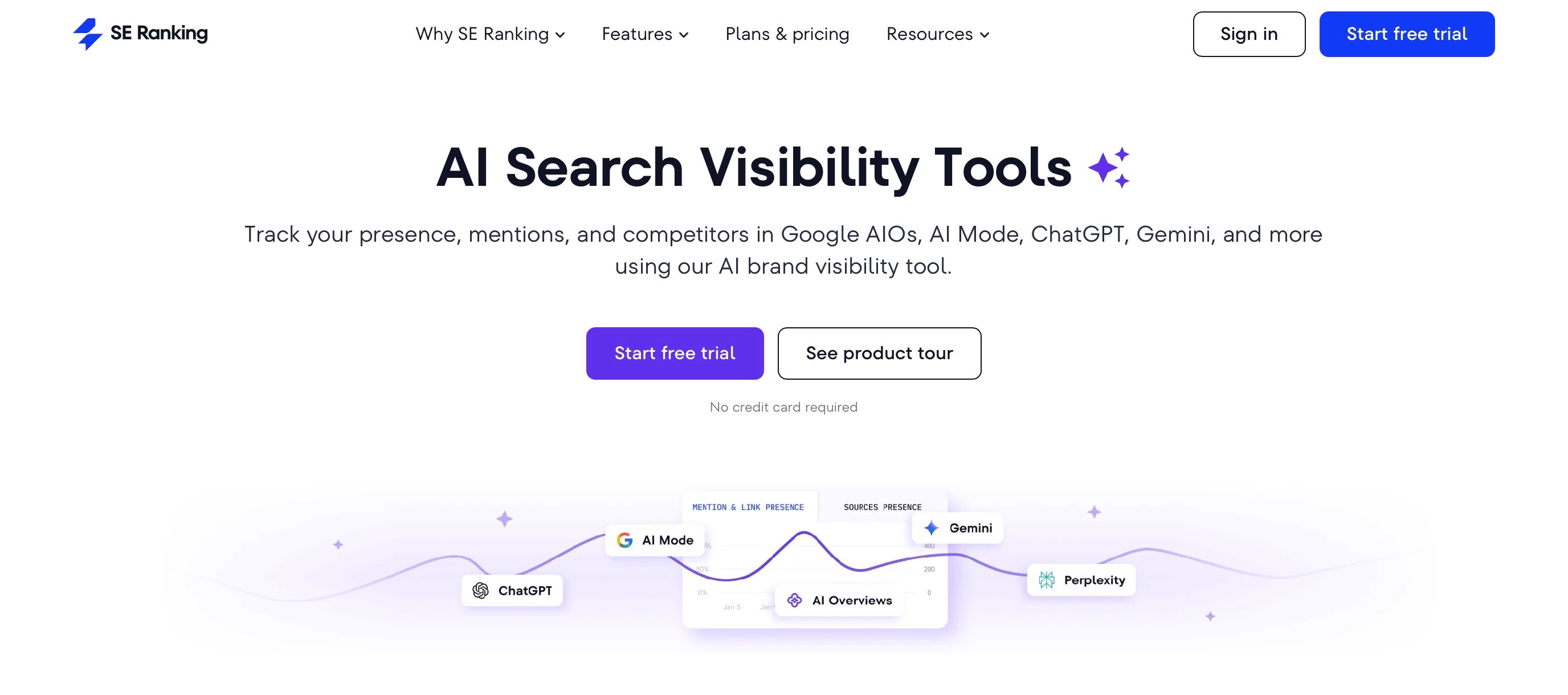
SE Ranking is best suited for agencies and SMB SEO teams that want AI Overview tracking inside a broader SEO platform without moving into enterprise-level pricing.
Best For: Agencies, consultants, and growing SEO teams that want to track AI Overviews, AI Mode, ChatGPT, Perplexity, and Gemini along with traditional rank tracking and SEO reporting.
What Are The Key Features Of SE Ranking?
- AI Overviews Tracker: Helps compare traditional search rankings with visibility inside Google AI Overviews.
- AI Search Toolkit: Tracks brand and domain visibility across AI Overviews, AI Mode, ChatGPT, Perplexity, and Gemini.
- Prompt Tracking: Lets teams track custom prompts daily and monitor how their brand appears across AI search results.
- Competitor Analysis: Helps compare your AI visibility, mentions, and share of visibility against competitors.
- Source And Citation Analysis: Shows which sources AI systems reference in AI-generated answers.
- Traditional Rank Tracking: Tracks keyword rankings across major search engines alongside AI visibility data.
- SEO Reporting: Supports agency-friendly reporting with integrations for tools like Google Analytics, Google Search Console, Looker Studio, and Matomo.
What Are The Pros Of SE Ranking?
- Strong For Agencies: Good fit for teams managing multiple SEO and GEO projects.
- SEO Plus GEO Tracking: Combines traditional rank tracking with AI search visibility.
- Good Prompt Capacity: Core and Growth plans include daily prompt tracking limits, which helps with recurring AI visibility checks.
- Client-Friendly Reporting: Useful for agencies that need to explain AI Overview visibility to clients.
- More Accessible Than Enterprise Tools: Offers AI search tracking without the high starting cost of many enterprise-only platforms.
What Are The Cons Of SE Ranking?
- AI Search Is An Add-On: Deeper AI visibility tracking may require the AI Search add-on.
- Costs Can Rise With Add-Ons: Agency Pack, AI Search, and API access can increase the total monthly cost.
- May Be Too Much For Simple Checks: If you only need a basic AI Overview checker, the full SEO platform may feel heavy.
What Does SE Ranking’s Pricing Look Like?
- Core: $103.20/month, billed annually.
- Growth: $223.20/month, billed annually.
- AI Search Add-On: Starts at $71.20/month, billed annually.
- Agency Pack: Starts at $69/month, billed annually.
- API Add-On: Starts at $149/month, billed annually.
- Note: Annual billing saves 20%, and SE Ranking offers a 14-day free trial.
How Do Users Rate SE Ranking?
- G2: 4.8/5
When Should You Choose SE Ranking?
- Choose SE Ranking if you want AI Overview tracking, prompt monitoring, competitor analysis, and SEO reporting in one agency-friendly platform.
- It is a strong fit if your team needs both traditional SEO tracking and AI search visibility without paying for a fully enterprise-focused solution.
5. Profound
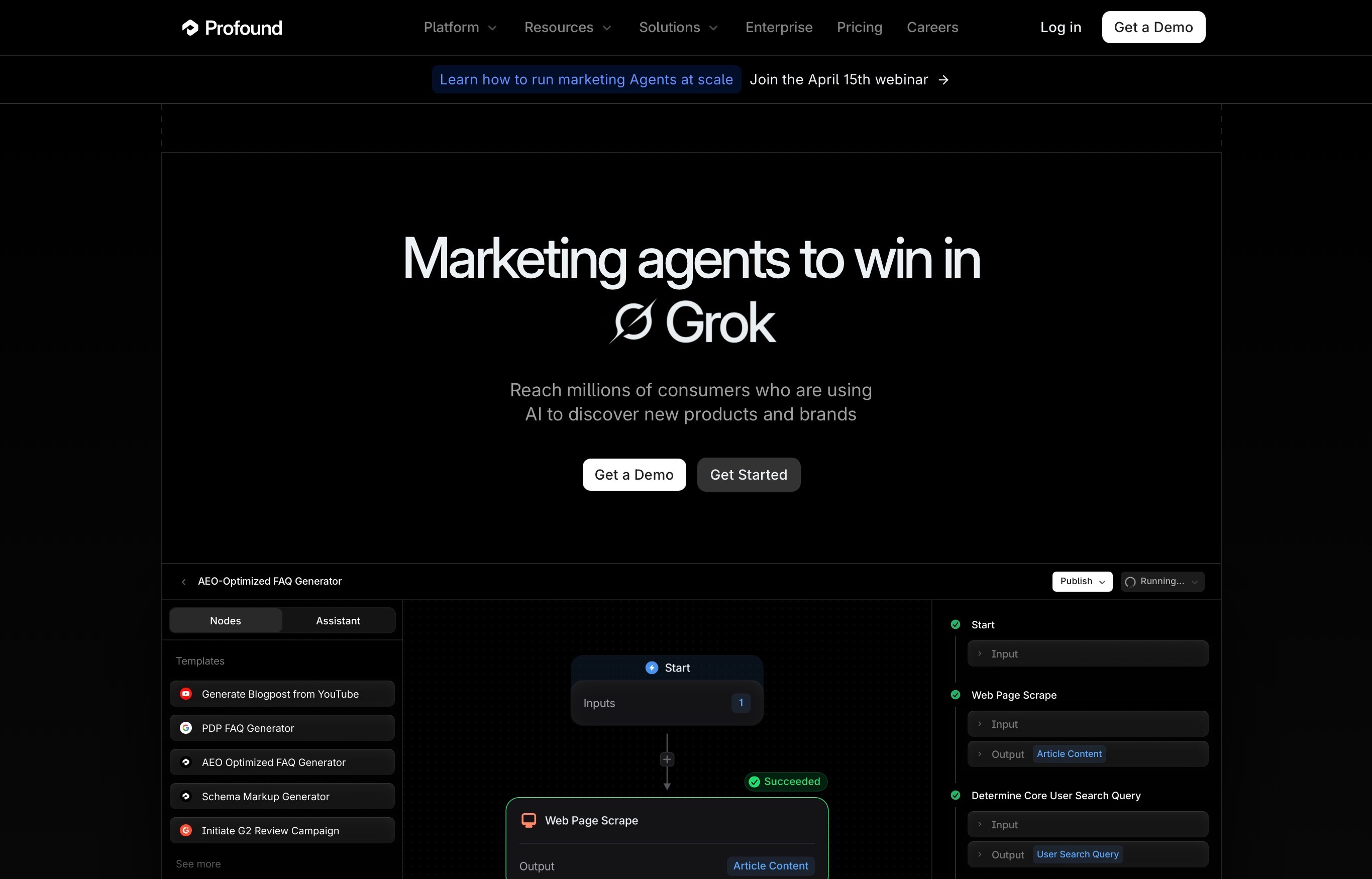
Profound is best suited for larger teams that want to monitor brand visibility across multiple AI answer engines and turn those insights into AEO campaigns.
Best For: Enterprise brands, agencies, and growth teams that need AI visibility tracking across platforms like ChatGPT, Perplexity, Claude, Gemini, Grok, Microsoft Copilot, Meta AI, DeepSeek, and Google AI Overviews. Profound positions itself around helping brands improve visibility in AI-generated answers across these major answer engines.
What Are The Key Features Of Profound?
- Answer Engine Tracking: Tracks how your brand appears across AI answer engines, including ChatGPT, Perplexity, Microsoft Copilot, and Google AI Overviews.
- Brand Visibility Monitoring: Helps teams understand when, where, and how their brand shows up in AI-generated answers.
- Citation Tracking: Shows which sources AI platforms use when generating responses.
- Competitor Benchmarking: Helps compare your AI visibility against competing brands.
- Prompt Tracking: Lets teams monitor important prompts and see how brand visibility changes over time.
- Sentiment Insights: Helps identify whether AI mentions are positive, neutral, or negative.
- Enterprise Reporting: Supports larger teams that need visibility, controls, exports, and structured reporting.
What Are The Pros Of Profound?
- Strong Enterprise Fit: Built for brands and agencies that treat AI visibility as a serious growth channel.
- Broad AI Platform Coverage: Covers multiple AI answer engines instead of only focusing on Google AI Overviews.
- Useful For Competitor Tracking: Helps teams see which brands are showing up more often in AI answers.
- Good For AEO Campaigns: Helps teams monitor visibility, citations, sentiment, and prompts for answer engine optimization.
- CSV Export Support: Profound allows users to export raw Answer Engine Insights data into CSV format.
What Are The Cons Of Profound?
- Higher Starting Price: It may be expensive for smaller teams that only need basic AI Overview tracking.
- Limited Starter Coverage: The Starter plan shown tracks ChatGPT only, so broader answer engine tracking requires higher plans.
- More Monitoring Than SEO Execution: Profound is strong for AI visibility intelligence, but teams may still need separate tools for SEO content planning and execution.
What Does Profound’s Pricing Look Like?
- Starter: $99/month, billed yearly.
- Growth: $399/month, billed yearly.
- Enterprise: Custom pricing.
How Do Users Rate Profound?
- G2: 4.9/5
When Should You Choose Profound?
- Choose Profound if your team needs enterprise-grade AI search visibility tracking across multiple answer engines.
- It is a strong fit if you care about brand visibility, competitor benchmarking, citation tracking, sentiment analysis, and executive-level AEO reporting.
6. Otterly.AI
Otterly.AI is best suited for teams that want prompt-level AI search monitoring without a heavy enterprise setup.
Best For: SEO teams, marketers, and agencies that want to track brand mentions, citations, competitors, and search prompts across ChatGPT, Google AI Overviews, Perplexity, Microsoft Copilot, and add-ons like Google AI Mode and Gemini.
What Are The Key Features Of Otterly.AI?
- AI Search Monitoring: Tracks how your brand appears across AI search platforms like ChatGPT, Perplexity, Google AI Overviews, Google AI Mode, Gemini, and Microsoft Copilot.
- Prompt Tracking: Lets teams monitor search prompts that mirror real user queries.
- Brand Mention Tracking: Shows when and where your brand appears in AI-generated answers.
- Website Citation Tracking: Helps identify which pages and sources AI platforms cite in responses.
- Competitor Monitoring: Compares your brand visibility against competitors across AI search results.
- Share Of AI Voice: Helps measure your share of AI mentions and citations compared with competing brands.
- Daily Tracking: Runs recurring checks so teams can monitor visibility changes over time.
What Are The Pros Of Otterly.AI?
- Strong For Prompt-Level Monitoring: Good fit if you want to track specific AI search prompts regularly.
- Easy To Use: More focused than larger SEO suites, which makes it easier for teams that only need AI visibility tracking.
- Broad AI Platform Coverage: Tracks major AI search platforms, including Google AI Overviews, ChatGPT, Perplexity, and Microsoft Copilot.
- Useful For Citation Gaps: Helps identify where competitors are being cited and where your brand is missing.
- Good Starting Price: Lite starts at $29/month, making it more accessible than many enterprise tools.
What Are The Cons Of Otterly.AI?
- Limited Search Prompts On Lite: The Lite plan includes only 15 search prompts.
- Google AI Mode And Gemini Are Add-Ons: These are not included by default in the pricing shown.
- Less SEO Execution Support: Otterly.AI is strong for monitoring, but teams may need another tool for content planning and optimization.
What Does Otterly.AI‘a Pricing Look Like?
- Lite: $29/month.
- Standard: $189/month.
- Premium: $489/month.
- Extra Prompts: Add 100 extra search prompts for $99.
How Do Users Rate Otterly.AI?
- G2: 4.4/5
When Should You Choose Otterly.AI?
- Choose Otterly.AI if you want a focused tool for tracking AI search prompts, brand mentions, citations, and competitor visibility.
- It is a strong fit if your team wants AI Overview monitoring without the complexity of a full SEO or enterprise intelligence platform.
7. Keyword.com
Keyword.com is best suited for teams that want a simple, rank-tracking-style way to monitor AI Overview visibility, AI citations, and competitor presence.
Best For: SEO teams, agencies, and consultants that want lightweight AI Overview tracking along with keyword tracking, citation analysis, competitor monitoring, and AI visibility reports.
What Are The Key Features Of Keyword.com?
- AI Overview Tracker: Tracks which keywords trigger Google AI Overviews and which URLs are cited in those AI-generated results.
- AI Visibility Tracking: Monitors how your brand appears across AI search results.
- Competitor Tracking: Helps compare your AI search visibility against competing brands.
- Citation Analysis: Shows which sources AI platforms reference in responses.
- Brand Sentiment Analysis: Helps understand whether AI mentions around your brand are positive, neutral, or negative.
- Prompt Research: Helps identify prompts and queries that matter for AI search visibility.
- Share Live Reports: Lets teams share AI visibility reports with clients or stakeholders.
- AI Visibility API: Supports teams that want to connect AI visibility data with reporting dashboards or internal tools.
What Are The Pros Of Keyword.com?
- Simple To Use: Good fit if you want AI Overview monitoring without a complex enterprise platform.
- Strong For Google AI Overviews: Helps track AI Overview triggers, cited URLs, and visibility changes.
- Good For Client Reporting: Live reports and rank-tracking-style workflows make it useful for agencies.
- Affordable Entry Point: AI Visibility starts at $39/month based on the pricing shown.
- SEO And AI Options: Teams can choose search visibility, AI visibility, or a combined 360° visibility plan.
What Are The Cons Of Keyword.com?
- Credit-Based Pricing: AI visibility usage depends on credits, so costs can rise as tracking volume increases.
- Less Execution Support: Strong for monitoring and reporting, but teams may still need a separate content optimization tool.
- Best For Lightweight Tracking: May not be deep enough for teams that need enterprise AI search intelligence across many markets.
What Does Keyword.com’s Pricing Look Like?
- Search Visibility: $7/month for Google search visibility tracking.
- 360° Visibility: $33/month for Google and AI search visibility.
- AI Visibility: $39/month for dedicated AI search visibility tracking.
- AI Visibility Includes: Competitor analysis, citation analysis, brand sentiment analysis, prompt research, live reports, and AI Visibility API.
How Do Users Rate Keyword.com?
- G2: 4.6/5
When Should You Choose Keyword.com?
- Choose Keyword.com if you want a lightweight way to track AI Overviews, cited URLs, competitor visibility, and AI search performance.
- It is a strong fit if your team prefers a clean tracking and reporting workflow instead of a larger SEO suite or enterprise AI visibility platform.
Want to compare broader SEO and AEO platforms before choosing? See which best AI tools for SEO and AEO are actually worth it in 2026.
What Features Should You Look For In An AI Overview Monitoring Tool?
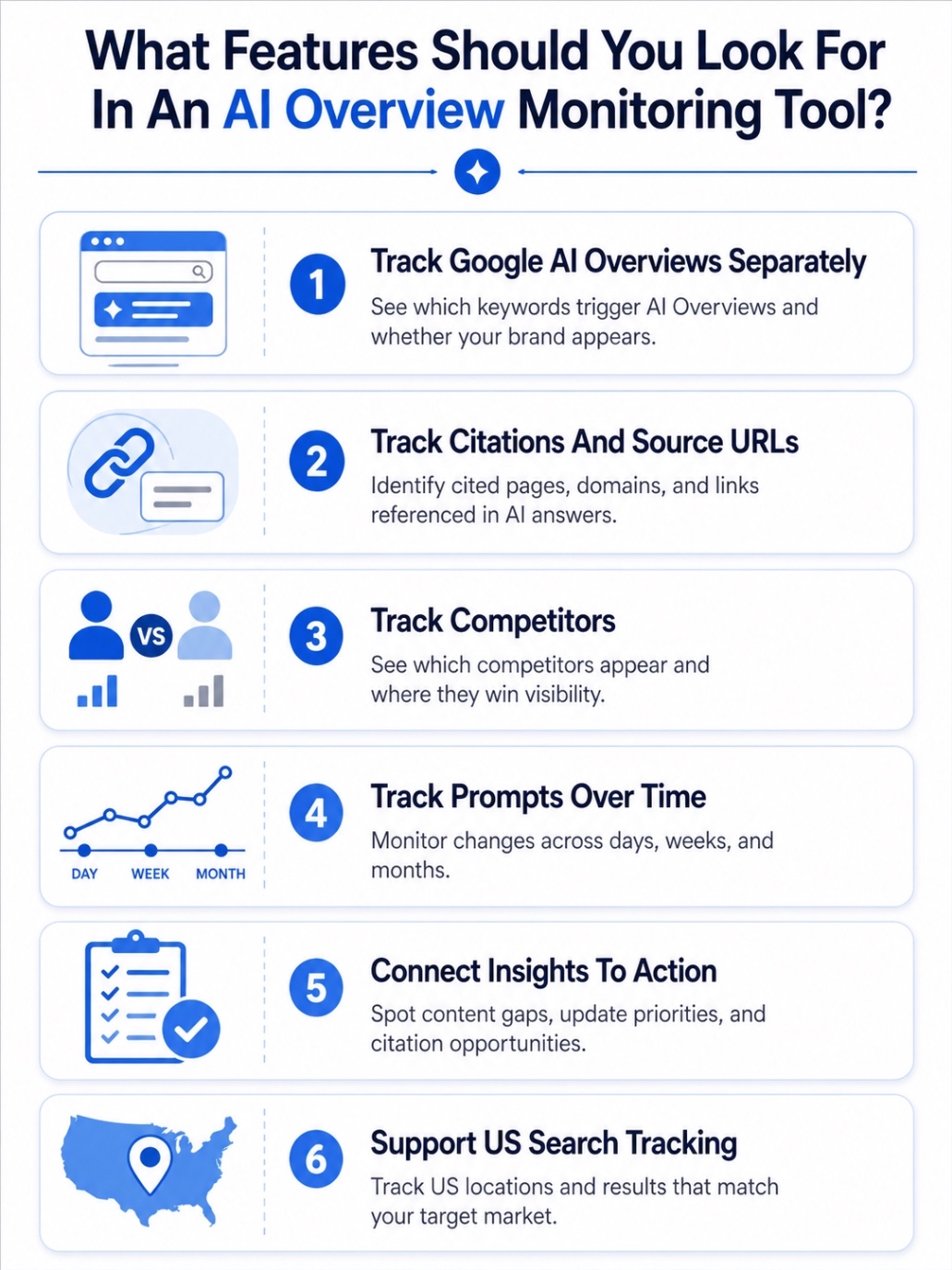
The right AI Overview monitoring tool should show more than whether your page ranks. It should help you see if your brand is included in AI-generated answers, which sources are cited, how competitors appear, and what changed over time. Google describes AI Overviews as AI-generated snapshots with links users can explore, so citation and source tracking matter just as much as rank tracking.
Here are the key features to check before choosing a tool.
1. Can It Track Google AI Overviews Separately?
A good tool should clearly show which keywords trigger Google AI Overviews and whether your brand, domain, or URL appears in them. This matters because AI Overviews can appear as a separate search experience with their own sources, links, and answer layout.
2. Can It Track Citations And Source URLs?
Look for citation tracking that shows which pages, domains, and third-party sources are being referenced in AI Overviews. Google says AI Overviews provide links so users can explore more on the web, so tracking those source URLs helps you understand who is earning trust in the AI answer.
3. Can It Track Competitors?
Your tool should show which competitors appear in AI Overviews, how often they are mentioned, and which prompts or keywords they win. This helps you spot gaps where your page may rank organically, but another brand is getting the AI-generated visibility.
4. Can It Track Prompts Over Time?
AI Overview visibility can shift, so one-time checks are not enough. Choose a tool that lets you monitor keyword and prompt sets regularly, compare changes, and identify trends across days, weeks, or months.
5. Can It Connect Insights To Action?
The best tools do not stop at reporting. They help you identify content gaps, weak topic coverage, missing comparison angles, citation opportunities, and pages that need updates so your team knows what to improve next.
6. Can It Support US Search Tracking?
Since AI Overview behavior can vary by region, make sure the tool supports US search tracking, location settings, and the search engines or AI platforms you care about. This is especially important if your audience, competitors, or sales pipeline is US-focused.
In short, pick a tool that helps you move from “Are we showing up?” to “Why are we showing up, who is beating us, and what should we fix next?”
Looking for budget-friendly ways to improve AI search visibility? Explore the best AEO tools under $100/month to try in 2026.
How Can You Monitor AI Overviews Step By Step?
AI Overview tracking works best when you treat it like a repeatable SEO workflow, not a one-time search check. Google’s AI features can surface different supporting links than classic search, so you need to track prompts, citations, competitors, and content gaps together.
Here are the key steps to follow.
1. Build A Keyword And Prompt Set
Start with high-intent keywords your buyers actually search for, including comparison, alternative, pricing, “best,” and problem-led queries. Then turn those keywords into natural prompts that reflect how people ask questions in AI search.
2. Track Which Keywords Trigger AI Overviews
Check which keywords show AI Overviews and how often they appear. Not every query triggers one, so this helps you separate normal rank tracking from AI-driven SERP visibility.
3. Check Whether Your Brand Is Mentioned Or Cited
Track whether your brand, domain, or specific URLs appear inside the AI Overview. A page can rank well organically and still miss the AI-generated answer, which means your visibility report needs both rankings and citations.
4. Compare AI Visibility With Organic Rankings
Look for gaps between your traditional rankings and AI Overview presence. If you rank on page one but a competitor gets cited in the AI answer, that page may need stronger structure, clearer answers, better topical coverage, or stronger authority signals.
5. Identify Competitor Citation Patterns
Review which competitors, third-party sites, review pages, Reddit threads, or listicles are repeatedly cited. This shows what sources AI systems seem to trust for that topic and where your brand needs better coverage or stronger mentions.
6. Turn Gaps Into Content And GEO Actions
Use the gaps to update pages, add clearer answer sections, strengthen comparisons, improve internal links, build supporting content, and pursue credible mentions. The goal is to make your content easier to understand, reference, and trust.
7. Monitor Weekly
AI Overview results can shift, so monitor your key prompts weekly. Track changes in citations, competitor visibility, source URLs, and brand mentions so you can react before lost visibility becomes lost traffic.
The real value is not just knowing whether you appeared. It is knowing which queries matter, who is getting cited instead, and what action can improve your AI search visibility next.
Conclusion
Start by tracking a focused set of high-intent US keywords and prompts where AI Overviews could influence buying decisions. Check whether your brand is mentioned, whether your pages are cited, and which competitors appear more often. Since Google says AI Overviews provide snapshots with links for users to explore further, citation visibility should be treated as part of your SEO reporting, not as a separate experiment.
Next, pick a tool based on your workflow. Choose Scalenut if you want AI Overview monitoring plus content and GEO execution, Semrush or Ahrefs if you want tracking inside a broader SEO stack, and tools like Otterly.AI or Keyword.com if you need lighter prompt and citation monitoring. Once you find gaps, refresh weak pages, build missing topic coverage, improve source credibility, and review visibility weekly so your brand does not lose ground as AI search results shift.
Frequently Asked Questions
What is the most accurate AI overview tracking tool right now?
No tool can claim perfect accuracy because AI Overviews can change by query, location, device, and time. For most teams, Scalenut is a strong choice because it tracks brand mentions, prompt coverage, visibility trends, competitors, and AI bot visits in one workflow.
How do AI overview trackers work and what features should I look for?
AI overview trackers monitor selected keywords or prompts, then check whether AI-generated answers appear, which brands are mentioned, and which URLs are cited. Look for AI Overview tracking, citation analysis, competitor monitoring, prompt history, location support, and clear reporting.
Are there any free tools for monitoring AI overviews?
Some platforms offer free trials, limited checkers, or demos, but full AI Overview monitoring usually sits inside paid plans. Free tools can help with quick checks, but serious tracking needs recurring prompts, citation history, competitor views, and visibility reports.
How can I monitor my rankings in Google AI overviews?
Start with a list of important keywords and prompts, then use a tool that tracks whether AI Overviews appear, whether your brand or URL is cited, and which competitors show up. Google Search Console alone does not isolate AI Overview performance cleanly.
Which AI overview monitoring tools are recommended by marketers?
Marketers commonly compare tools like Scalenut, Semrush, Ahrefs Brand Radar, SE Ranking, Profound, OtterlyAI, and Keyword.com. Scalenut is especially useful when teams want AI visibility tracking plus content and SEO execution from the same platform.
Is there a tool that tracks changes in AI overviews over time?
Yes. Tools like Scalenut, Otterly.AI, SE Ranking, Semrush, and Keyword.com support recurring tracking so teams can monitor visibility shifts over time. Prioritize tools that show prompt history, citation changes, competitor movement, and visibility trends instead of one-time screenshots.
Do any AI overview monitoring tools integrate with other SEO platforms?
Yes. Some AI Overview tools sit inside broader SEO suites, while others offer exports, APIs, or reporting workflows. Semrush and SE Ranking connect AI visibility with SEO workflows, while Scalenut connects monitoring with content planning, optimization, and GEO execution.
What are the differences between AI visibility trackers and AI overview trackers?
AI Overview trackers focus on Google only, showing whether your brand, URL, or competitors appear in AI Overviews for specific search queries. AI visibility trackers are broader. They monitor brand mentions, citations, sentiment, and share of voice across AI platforms like ChatGPT, Perplexity, Gemini, Claude, Copilot, and Grok.


.svg)


.webp)